📂 Answer 👁 3.4k views 🕐 July 6, 2026

TalkingPDF.io

TalkingPDF

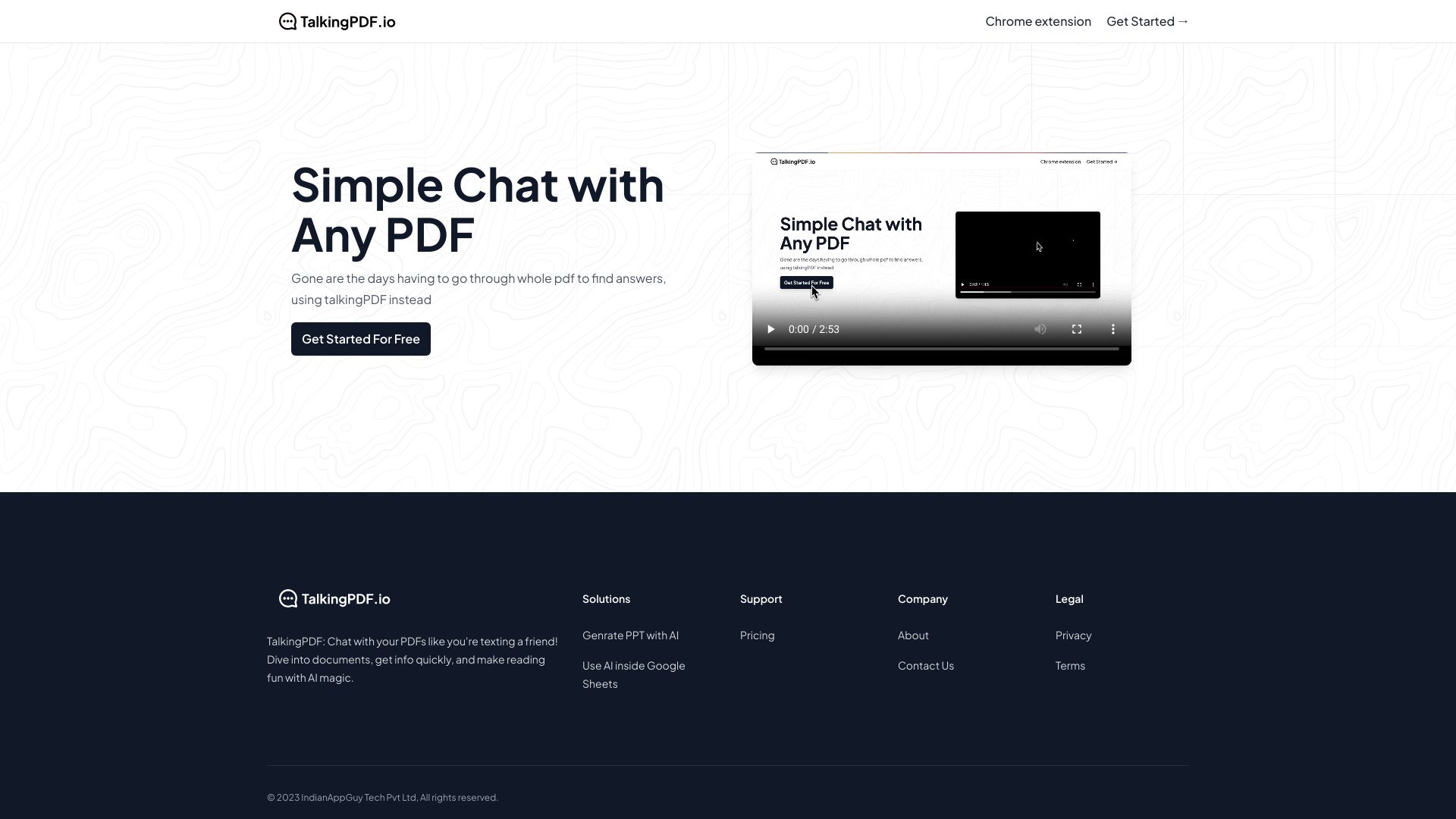
TalkingPDF.io is a tool designed for individuals and organizations looking to make their PDF documents more accessible. It is particularly useful for those who need to convert text into speech for easier comprehension. TalkingPDF.io works by utilizing text-to-speech technology to read out the content of PDF files, making it an invaluable resource for students, researchers, and professionals who deal with a large volume of documents on a daily basis. The tool's key capabilities include the ability to upload PDF files, select from various voices and languages, and adjust the speech rate according to the user's preference. Individuals with visual impairments, dyslexia, or those who prefer listening to text can greatly benefit from TalkingPDF.io. It enhances their ability to consume and understand complex information without the need for manual reading, thus increasing productivity and accessibility.

Answer Assistant Chat Generator
Features
Text-to-Speech
This feature allows users to convert written text in PDFs into spoken words, enhancing document readability and accessibility.
Multi-language Support
TalkingPDF.io supports a variety of languages, making it a versatile tool for international users or those dealing with multilingual documents.
Customizable Voices
Users can choose from different voices to find the one that is most comfortable for them to listen to, improving the overall user experience.
Speech Rate Adjustment
This feature enables users to speed up or slow down the speech, allowing them to consume information at their own pace.
Verdict
Best forTeams doing Answer work who need consistent output without a steep learning curve.
Skip ifYou only need this once or twice; the subscription cost won't pay off for occasional use.
Enhanced Accessibility: TalkingPDF.io significantly improves the accessibility of PDF documents for individuals with visual impairments or reading difficulties.
Increased Productivity: By allowing users to listen to documents, TalkingPDF.io enables multitasking and faster consumption of information.
User-friendly Interface: The tool is designed to be easy to use, even for those who are not tech-savvy, making it accessible to a wide range of users.
Dependence on Internet Connection: TalkingPDF.io may require a stable internet connection to function properly, which could be a limitation in areas with poor connectivity.
Limited Control Over Voice Quality: While the tool offers customizable voices, the quality of these voices might not always meet the user's expectations, potentially affecting the listening experience.
Alternatives
ToolPricingUpvotesRating
Archimyst Freemium ▲ 178 4.0
finlight.me Freemium ▲ 58 4.8
ScheduleWave Freemium ▲ 178 4.2
Frequently Asked Questions
TalkingPDF.io is used to make PDF documents accessible by converting the text into speech, aiding individuals with reading difficulties or those who prefer listening to text.
Yes, TalkingPDF.io supports a variety of languages, making it useful for users dealing with multilingual documents or preferring to listen to documents in their native language.
Yes, TalkingPDF.io allows users to adjust the speech rate, enabling them to listen to documents at a pace that is comfortable for them.
The pricing details for TalkingPDF.io, including any free tiers, are not available as the official pricing page content was not provided.
TalkingPDF.io stands out with its user-friendly interface and customizable text-to-speech features, but the comparison with other tools depends on specific needs and preferences.
Reviews
📝
No reviews yet
Be the first to share your experience with TalkingPDF.io.
Submit a Review

Your email address will not be published. Required fields are marked *

TalkingPDF.io
TalkingPDF.io
Freemium
Visit Site ↗
Home Prompts