📂 Code Assistant 👁 2k views 🕐 June 17, 2026

OCR Magic

OCR Magic is a Code Assistant tool designed for individuals and teams.

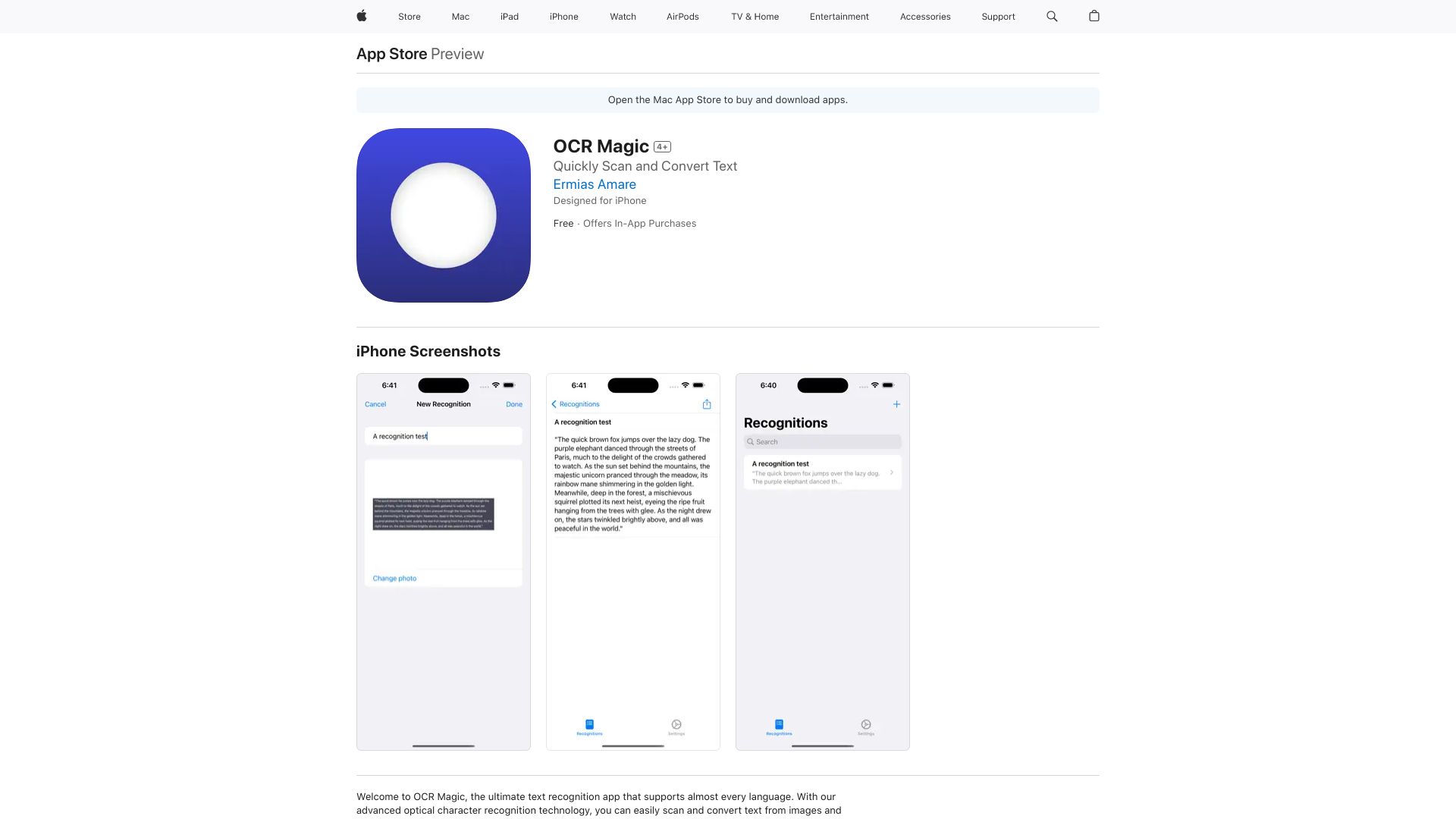
OCR Magic is a Code Assistant tool designed for individuals and teams who need to extract text from images, such as scanned documents, receipts, or screenshots. It is particularly useful for those who work with large volumes of documents and need to automate the data entry process.

OCR Magic works by using Optical Character Recognition (OCR) technology to identify and extract text from images. This process involves uploading an image to the tool, which then analyzes the image and recognizes the text within it. The extracted text can be edited, saved, or exported to other applications.

Developers, data entry clerks, and researchers are among those who can get the most value from OCR Magic. They can use the tool to automate the process of extracting text from images, reducing the time and effort required for data entry tasks. This allows them to focus on higher-value tasks and improve their overall productivity.

Code Assistant Developer Tools Document Extraction
Features
Text Extraction
OCR Magic can extract text from various image formats, including JPEG, PNG, and PDF.
Image Editing
The tool allows users to edit the extracted text, including correcting errors and formatting the text.
Data Export
OCR Magic enables users to export the extracted text to other applications, such as Microsoft Word or Google Docs.
Batch Processing
The tool supports batch processing, allowing users to extract text from multiple images at once.
Verdict
Best forTeams doing Code Assistant work who need consistent output without a steep learning curve.
Skip ifYou only need this once or twice; the subscription cost won't pay off for occasional use.
High Accuracy: OCR Magic has a high accuracy rate in extracting text from images, reducing the need for manual correction.
Time-Saving: The tool automates the data entry process, saving users a significant amount of time and effort.
User-Friendly Interface: OCR Magic has a simple and intuitive interface, making it easy for users to navigate and use the tool.
Limited Image Quality: OCR Magic may struggle with extracting text from low-quality images, such as those with blurry or distorted text.
Language Limitations: While the tool supports multiple languages, it may not support all languages, which can be a limitation for some users.
Alternatives
ToolPricingUpvotesRating
Archimyst Freemium ▲ 178 4.0
finlight.me Freemium ▲ 58 4.8
TavonnAI Freemium ▲ 247 4.9
Frequently Asked Questions
OCR Magic is used to extract text from images, such as scanned documents, receipts, or screenshots. It is particularly useful for automating the data entry process and improving productivity.
OCR Magic has a high accuracy rate in extracting text from images, but the accuracy may vary depending on the quality of the image.
Yes, OCR Magic supports multiple languages, making it a versatile tool for users who work with documents in different languages.
Yes, OCR Magic supports batch processing, allowing users to extract text from multiple images at once, making it suitable for large-scale data entry tasks.
There are several alternatives to OCR Magic, including other OCR tools and manual data entry methods. However, OCR Magic is a popular choice due to its high accuracy rate and user-friendly interface.
Reviews
📝
No reviews yet
Be the first to share your experience with OCR Magic.
Submit a Review

Your email address will not be published. Required fields are marked *

OCR Magic
OCR Magic
Freemium
Visit Site ↗
Home Prompts