📂 Audio Editing 👁 1.7k views 🕐 August 10, 2026

Movavi

Movavi is a video editing software designed for individuals who want to.

Movavi is a video editing software designed for individuals who want to create high-quality videos without extensive editing experience. It is ideal for beginners who need an easy-to-use interface and intuitive tools to produce professional-looking videos. Movavi's software is safe and trusted, allowing users to try it out for free before committing to a purchase.

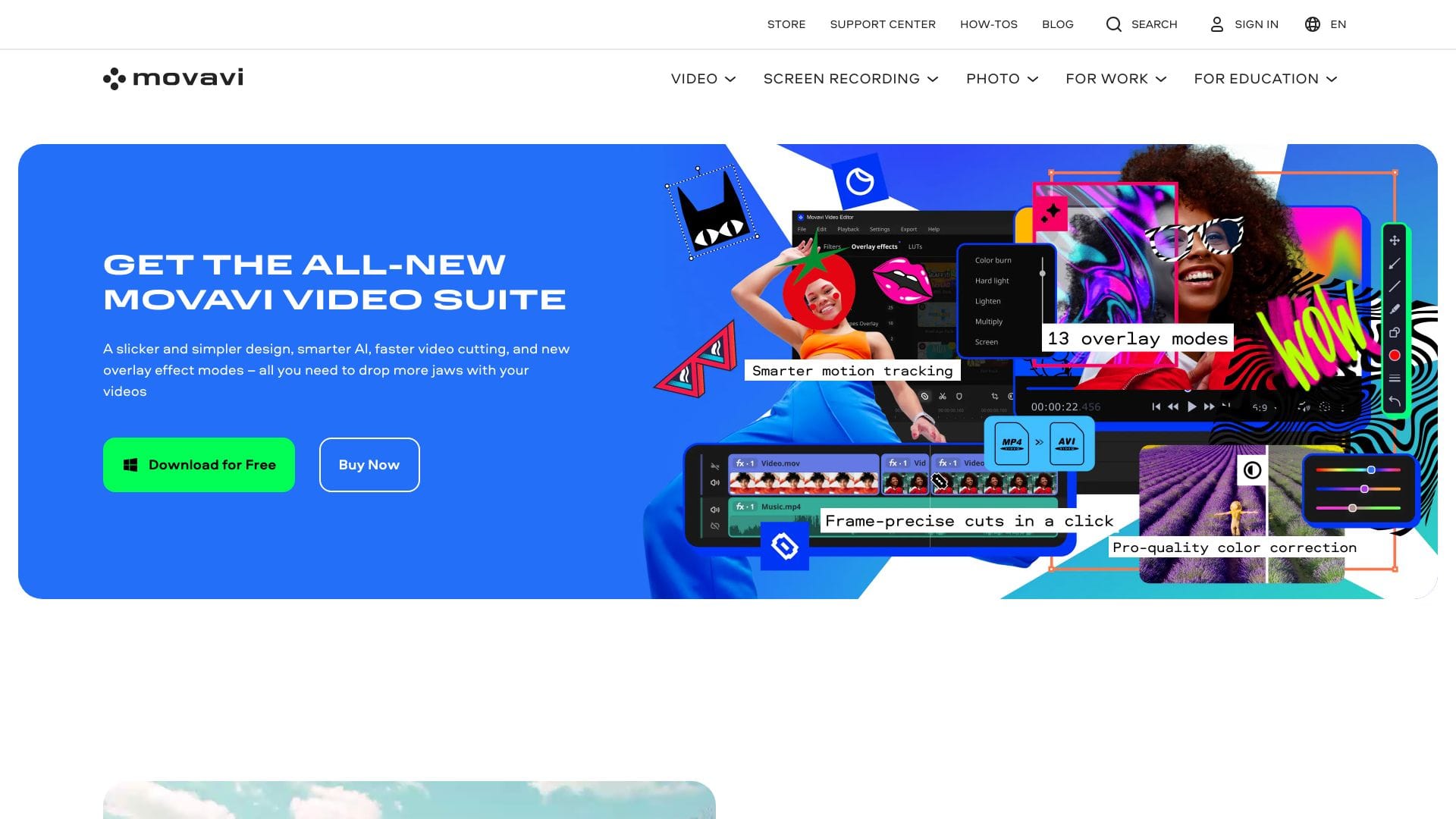
Movavi Video Editor works by providing a user-friendly interface where users can easily import their footage, trim and join clips, add transitions and effects, and export their final product. The software includes features such as beat detection, noise removal, and quick video creation, making the video-making process easy and efficient. Additionally, Movavi offers a range of tools and effects that can be used to enhance videos, including intro presets, eye-catching effects, and transitions.

The individuals who get the most value from Movavi are beginners who want to create high-quality videos without spending hours learning complex editing software. They can use Movavi to create videos for various purposes, such as personal projects, social media, or business presentations. With its easy-to-use interface and intuitive tools, Movavi makes it possible for anyone to produce professional-looking videos, regardless of their editing experience.

Audio Editing Background Remover Color Palette Generator
Features
Easy-to-use interface
allows users to navigate and edit videos without extensive experience
Beat detection
helps users create videos with synchronized music and effects
Noise removal
enables users to remove unwanted background noise from their videos
Quick video creation
allows users to create videos quickly and efficiently
Verdict
Best forTeams doing Audio Editing work who need consistent output without a steep learning curve.
Skip ifYou only need this once or twice; the subscription cost won't pay off for occasional use.
Easy to use, even for beginners with no editing experience
Fast and efficient video editing process
Includes a range of tools and effects to enhance videos
Free version has limitations, including a watermark and restricted export options
Some advanced features may be locked in the free version
Alternatives
ToolPricingUpvotesRating
AdpexAI Face Swap Freemium ▲ 156 4.0
Gen-2 by Runway Freemium ▲ 197 4.0
Visla Freemium ▲ 223 3.8
Frequently Asked Questions
Movavi is a video editing software that allows users to create high-quality videos with ease. It provides an easy-to-use interface and a range of tools and effects to enhance videos.
Movavi offers a free version with limitations, including a watermark and restricted export options. The paid version provides full access to all features and tools.
The system requirements for Movavi are not specified, however it is recommended to check the official website for the most up-to-date information.
Yes, Movavi can be used for commercial purposes, such as creating videos for business presentations or marketing materials.
Movavi is a great alternative to iMovie, offering a similar range of features and tools, but with a more user-friendly interface and easier navigation.
Reviews
📝
No reviews yet
Be the first to share your experience with Movavi.
Submit a Review

Your email address will not be published. Required fields are marked *

Movavi
Movavi
Freemium
Visit Site ↗
Home Prompts