📂 Art Generator 👁 3.2k views 🕐 June 17, 2026

Microsoft Designer

Microsoft Designer is an AI-powered tool designed for individuals and teams looking.

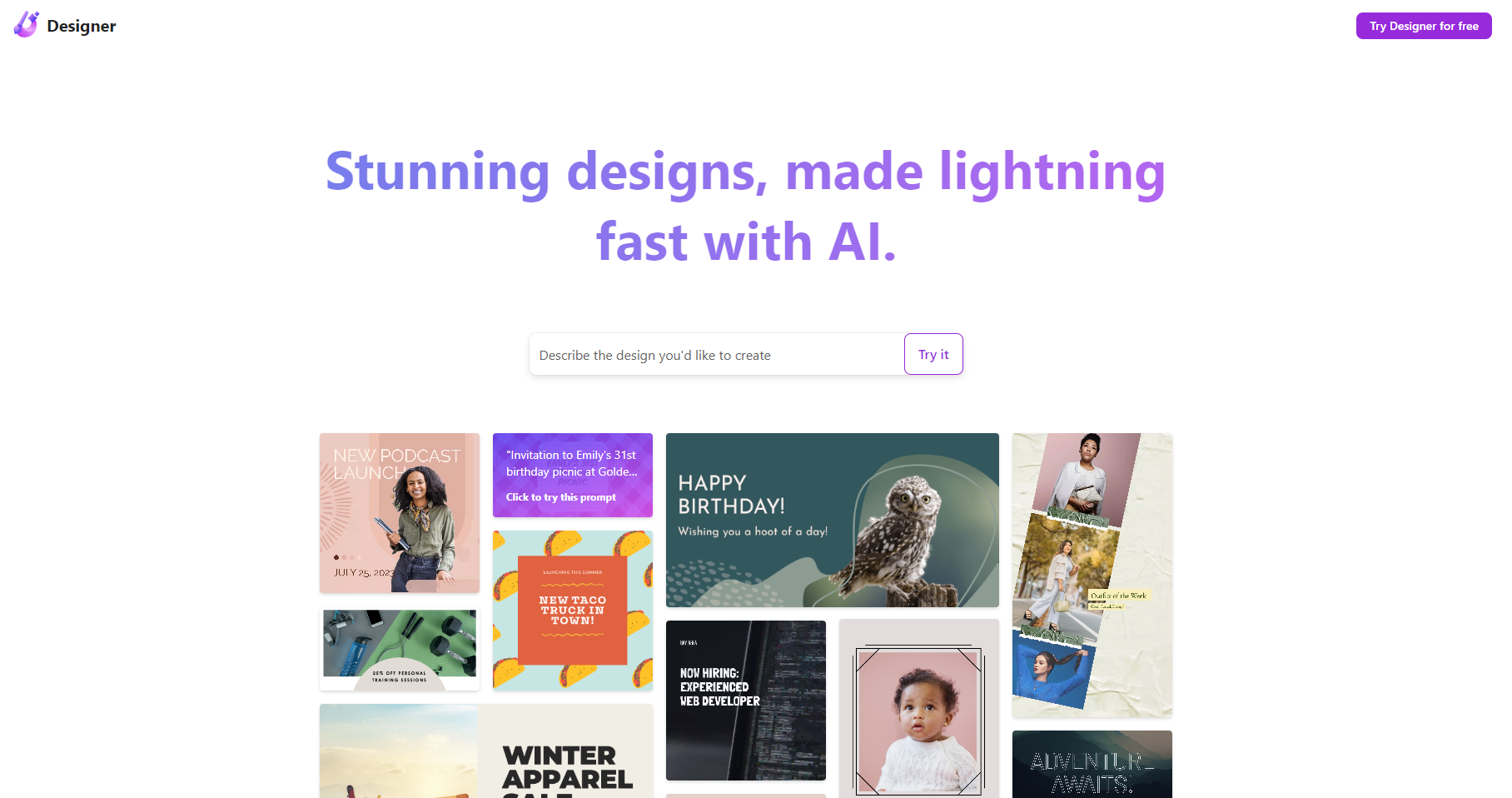
Microsoft Designer is an AI-powered tool designed for individuals and teams looking to generate high-quality art and designs. It is intended for those who need to create visual content without extensive artistic experience. Microsoft Designer aims to simplify the design process, making it accessible to a broader range of users.
Microsoft Designer works by utilizing artificial intelligence algorithms to understand the user's input and generate art based on that input. This can include text prompts, existing images, or other forms of creative direction. The key capability of Microsoft Designer is its ability to learn from a vast dataset of images and generate new, unique art pieces that reflect the style and theme requested by the user.
The individuals who get the most value from Microsoft Designer are those who regularly need to create visual content but may not have the skills or time to do so manually. This includes social media managers, content creators, and small business owners who want to enhance their brand's visual identity without hiring a professional designer.

Art Generator Design Generator Graphic Design
Features
AI-powered art generation
Allows users to create unique art pieces based on text or image prompts.
Style transfer
Enables users to transform the style of an existing image into another style, such as turning a photo into a painting.
Image editing
Provides basic editing tools to refine and customize generated art.
Collaboration tools
Facilitates teamwork by allowing multiple users to work on a design project simultaneously.
Verdict
Best forTeams doing Art Generator work who need consistent output without a steep learning curve.
Skip ifYou only need this once or twice; the subscription cost won't pay off for occasional use.
Accessibility: Makes professional-grade design capabilities available to users without extensive design experience.
Time-saving: Automates the design process, allowing users to generate art quickly.
Consistency: Ensures brand consistency by generating art that matches a specified style or theme.
Limited control: Users may have limited control over the final product, as the outcome depends on the AI's interpretation of the input.
Dependence on data quality: The quality of the generated art depends on the quality and relevance of the dataset used by the AI.
Alternatives
ToolPricingUpvotesRating
Archimyst Freemium ▲ 178 4.0
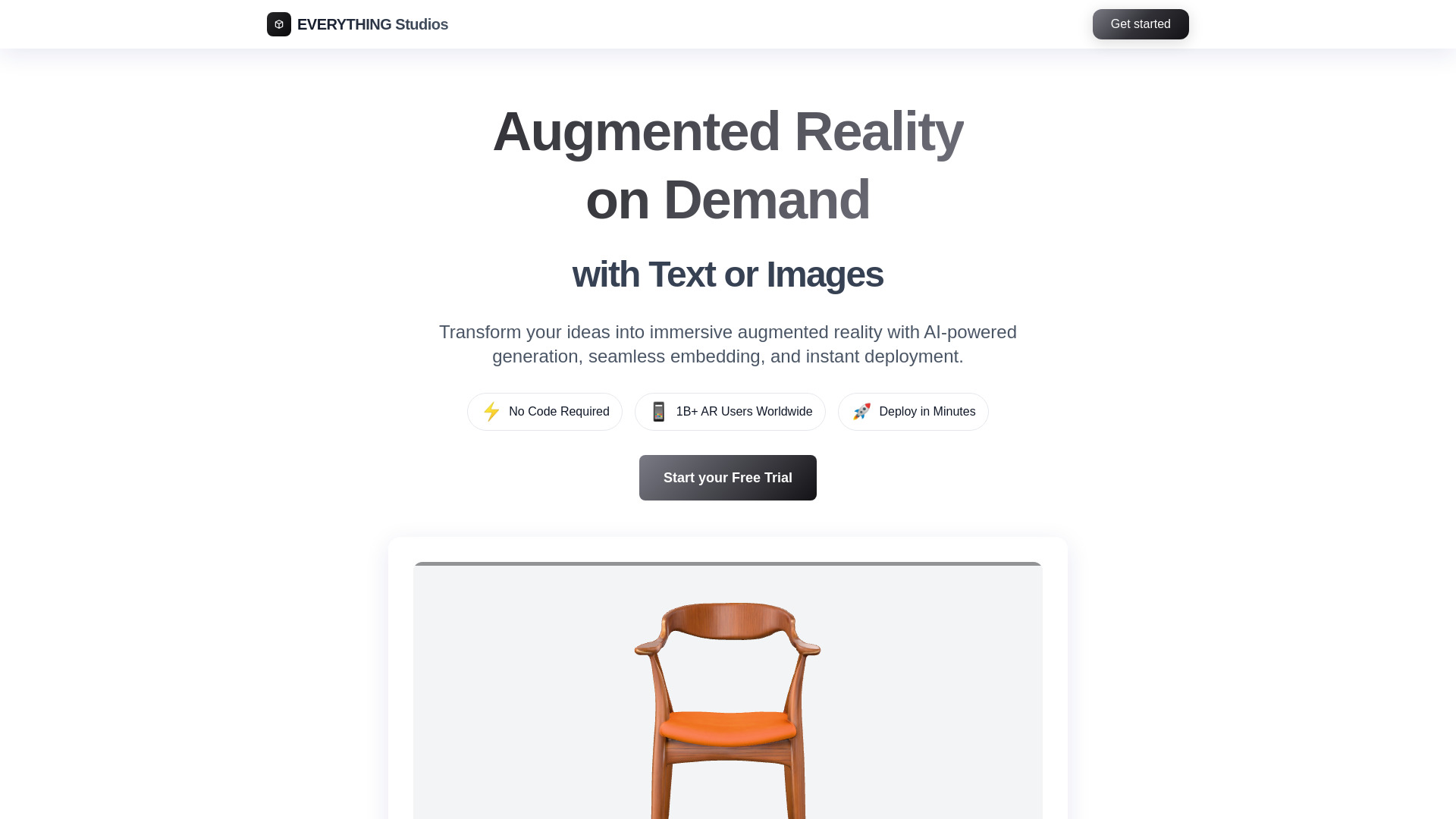
EVERYTHING Studios Freemium ▲ 159 4.0
finlight.me Freemium ▲ 58 4.8
Frequently Asked Questions
Microsoft Designer is used for generating art and designs using AI. It helps users create visual content without needing extensive artistic experience.
Microsoft Designer works by using AI algorithms to generate art based on user input, such as text prompts or existing images.
The benefits of using Microsoft Designer include accessibility, time-saving, and the ability to generate consistent brand visuals.
While Microsoft Designer can be a useful tool for professional designers, its primary benefit lies in making design capabilities accessible to non-designers. Professionals may find its limitations, such as less control over the design process, to be a drawback.
Microsoft Designer's comparison to other AI art generators depends on factors such as the quality of the generated art, ease of use, and pricing. Since specific details about Microsoft Designer's pricing and features are not available, a direct comparison cannot be made at this time.
Reviews
📝
No reviews yet
Be the first to share your experience with Microsoft Designer.
Submit a Review

Your email address will not be published. Required fields are marked *

Microsoft Designer
Microsoft Designer
Freemium
Visit Site ↗
Home Prompts