📂 Assistant 👁 3.1k views 🕐 July 14, 2026

Microsoft Copilot

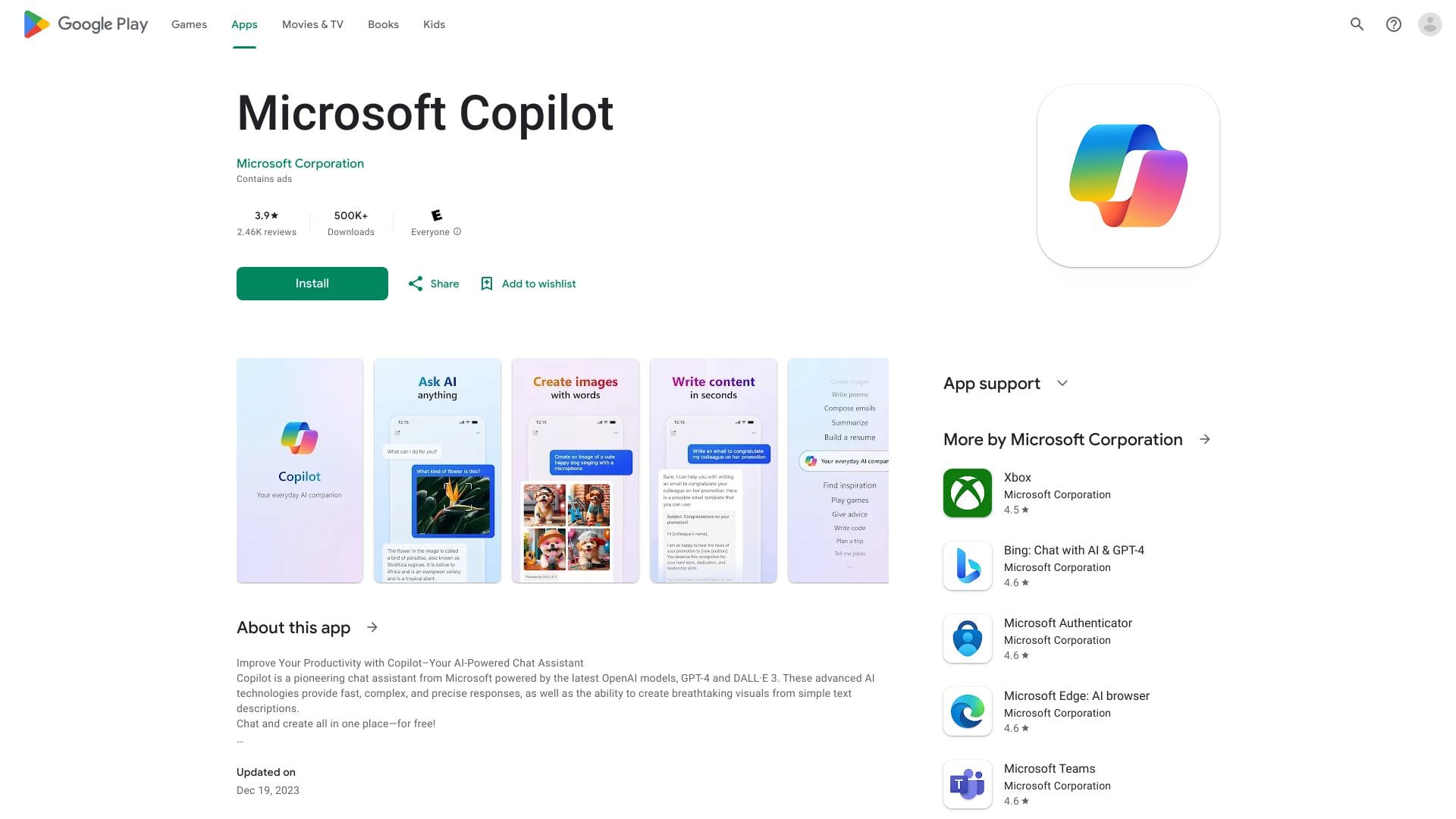
Microsoft Copilot is an AI-powered tool designed to assist users in their.

Microsoft Copilot is an AI-powered tool designed to assist users in their daily tasks by providing intelligent suggestions. It is primarily aimed at individuals and teams working within the Microsoft ecosystem, seeking to streamline their workflow and enhance productivity.

Microsoft Copilot works by integrating with various Microsoft applications, such as Word, Excel, and Outlook, to offer real-time suggestions and automate repetitive tasks. This capability enables users to focus on high-priority tasks while leveraging the AI for mundane or time-consuming activities. The key to its effectiveness lies in its ability to learn from user behavior and adapt its suggestions accordingly.

Professionals and teams who heavily rely on Microsoft tools for their operations are likely to derive the most value from Microsoft Copilot. Its ability to automate tasks, provide insightful suggestions, and integrate seamlessly with the Microsoft suite makes it an indispensable asset for enhancing workflow efficiency and reducing the time spent on mundane tasks.

Assistant Bypasser Coaching
Features
AI-powered suggestions
Microsoft Copilot uses artificial intelligence to provide users with relevant and timely suggestions, aiming to enhance productivity and efficiency.
Integration with Microsoft applications
The tool seamlessly integrates with various Microsoft apps, allowing for a cohesive and streamlined user experience.
Task automation
By automating repetitive and mundane tasks, Microsoft Copilot enables users to focus on more critical aspects of their work.
Adaptive learning
The AI learns from user behavior over time, adapting its suggestions to better meet the individual's or team's specific needs.
Verdict
Best forTeams doing Assistant work who need consistent output without a steep learning curve.
Skip ifYou only need this once or twice; the subscription cost won't pay off for occasional use.
Enhanced productivity: Microsoft Copilot's ability to automate tasks and provide intelligent suggestions significantly enhances user productivity.
Seamless integration: Its integration with Microsoft applications ensures a smooth and cohesive user experience, minimizing the need to switch between different tools.
Adaptive assistance: The AI's capacity to learn from user behavior and adapt its suggestions ensures that the assistance provided is relevant and useful.
Dependence on Microsoft ecosystem: The tool's effectiveness is heavily dependent on the user being deeply integrated into the Microsoft ecosystem, which might not be ideal for those using a variety of different productivity tools.
Learning curve: While Microsoft Copilot learns from the user, there might be an initial period where the suggestions are not as accurate or relevant, requiring some time for the AI to adapt.
Alternatives
ToolPricingUpvotesRating
Archimyst Freemium ▲ 178 4.0
finlight.me Freemium ▲ 58 4.8
Birthday Wingman Freemium ▲ 168 4.8
Frequently Asked Questions
Microsoft Copilot is an AI-powered tool designed to provide intelligent suggestions and automate tasks within the Microsoft ecosystem, aiming to enhance user productivity and efficiency.
Microsoft Copilot learns from user behavior over time, adapting its suggestions to better meet the individual's or team's specific needs, ensuring that the assistance provided is relevant and useful.
The availability of Microsoft Copilot as a standalone tool is not explicitly stated, but it is designed to integrate seamlessly with Microsoft applications, suggesting it might be part of a broader Microsoft 365 package.
Yes, Microsoft Copilot can be used for creative tasks such as content creation, where it can suggest alternative phrases, automate formatting, and assist with research by providing relevant information and sources.
Microsoft Copilot's unique integration with the Microsoft ecosystem and its adaptive learning capability set it apart from other AI assistant tools, making it particularly useful for those deeply invested in Microsoft applications.
Reviews
📝
No reviews yet
Be the first to share your experience with Microsoft Copilot.
Submit a Review

Your email address will not be published. Required fields are marked *

Microsoft Copilot
Microsoft Copilot
Freemium
Visit Site ↗
Home Prompts