📂 3d Model Generator 👁 678 views 🕐 July 6, 2026

Meshy

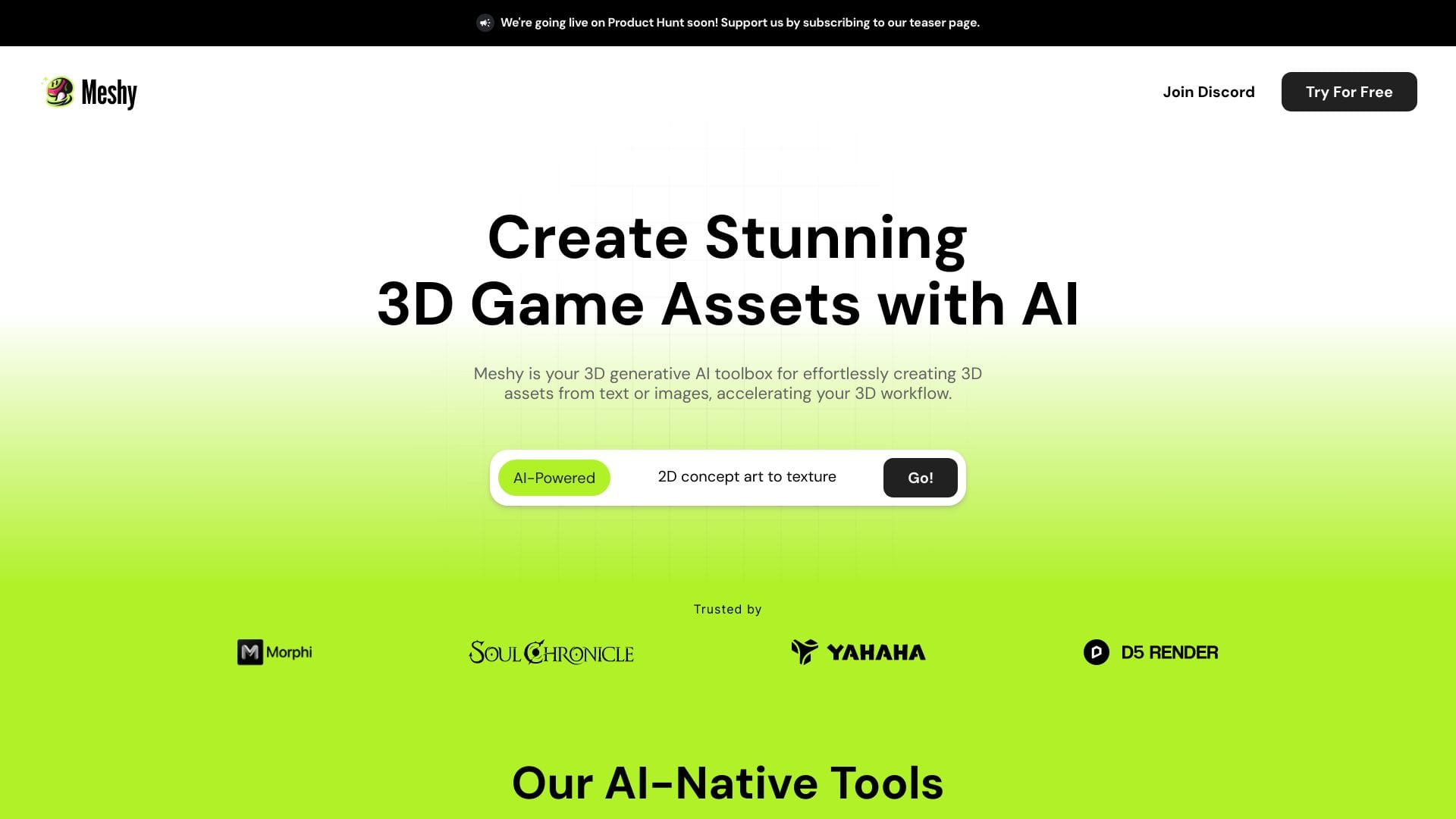
Meshy is a 3D model generator designed for individuals and teams looking.

Meshy is a 3D model generator designed for individuals and teams looking to create detailed 3D objects for various applications, including video games, architectural visualizations, and product design.

Meshy works by utilizing algorithms to generate meshes from input parameters, allowing users to control the level of detail and complexity of the output models. This capability enables the creation of realistic and detailed 3D models without requiring extensive manual modeling efforts.

Professionals such as game developers, architects, and product designers get the most value from Meshy, as it streamlines their workflow by automating the model generation process, saving time and resources that can be focused on other aspects of their projects.

3d Model Generator Art Generator Character
Features
Automated Mesh Generation
Meshy can generate complex 3D meshes from basic input shapes or parameters, simplifying the modeling process.
Customizable Detail Level
Users can adjust the level of detail in the generated models to suit their specific needs, from low-poly models for real-time applications to high-poly models for detailed visualizations.
Integration with Design Workflows
Meshy is designed to integrate with existing design workflows, allowing for seamless import and export of models to and from popular 3D design software.
Parameter Control
Users have control over various parameters that influence the mesh generation, enabling the creation of a wide range of models with different characteristics.
Verdict
Best forTeams doing 3d Model Generator work who need consistent output without a steep learning curve.
Skip ifYou only need this once or twice; the subscription cost won't pay off for occasional use.
Enhanced Productivity: By automating the mesh generation process, Meshy significantly reduces the time spent on manual modeling, allowing designers to focus on other creative aspects of their work.
Consistency and Accuracy: The algorithmic approach ensures that the generated models are consistent and accurate, reducing the need for manual corrections.
Flexibility: Meshy's ability to generate models with varying levels of detail makes it versatile for different applications and requirements.
Limited Control Over Model Topology: While Meshy offers control over parameters, the underlying topology of the generated mesh may not always meet the user's specific requirements, potentially requiring additional manual adjustments.
Dependence on Input Quality: The quality of the generated models can be heavily dependent on the quality of the input parameters or shapes, which may require careful preparation or adjustment.
Alternatives
ToolPricingUpvotesRating
EVERYTHING Studios Freemium ▲ 159 4.0
finlight.me Freemium ▲ 58 4.8
TavonnAI Freemium ▲ 247 4.9
Frequently Asked Questions
Meshy is used for generating 3D models. It's particularly useful for creating detailed objects for applications like video games, architectural visualizations, and product design. Users can control the level of detail in the models, making it versatile for various needs.
Meshy works by using algorithms to generate meshes from input parameters. This allows for the creation of realistic and detailed 3D models without extensive manual modeling. It integrates well with existing design workflows, supporting import and export to popular 3D design software.
The primary benefits of using Meshy include enhanced productivity, consistency, and accuracy in 3D model generation. It automates a significant part of the modeling process, reducing time spent on manual work and allowing designers to focus on other aspects of their projects.
While Meshy can be beneficial for beginners due to its automated features, it might still require some understanding of 3D modeling principles and design software. Beginners might need to invest time in learning how to use Meshy effectively and understanding its capabilities and limitations.
Meshy stands out with its automated mesh generation capabilities and flexibility in model detail. However, the choice between Meshy and other tools depends on specific needs, such as the level of manual control required, the type of models being created, and integration with existing workflows.
Reviews
📝
No reviews yet
Be the first to share your experience with Meshy.
Submit a Review

Your email address will not be published. Required fields are marked *

Meshy
Meshy
Freemium
Visit Site ↗
Home Prompts