
Leftovers AI
Leftovers AI is a cooking assistant designed for home cooks who want.
Leftovers AI is a cooking assistant designed for home cooks who want to reduce food waste and make the most out of their leftovers. It is intended for individuals who value convenience and are looking for ways to simplify their meal planning and grocery shopping. By using Leftovers AI, users can input the ingredients they have at home and receive recipe suggestions tailored to their tastes and dietary needs. This tool is particularly useful for those who struggle with meal planning and want to avoid throwing away expired or unused ingredients. Leftovers AI can help users save time and money by providing them with creative and delicious ways to use up their leftovers. The tool's capabilities include generating recipes based on user input, providing meal planning suggestions, and offering grocery lists tailored to the user's needs. Home cooks who value convenience, hate food waste, and enjoy trying new recipes will get the most value from Leftovers AI, as it helps them streamline their cooking process and make the most out of their ingredients.
| Tool | Pricing | Upvotes | Rating |
|---|---|---|---|
 ScheduleWave
 |
Freemium | ▲ 178 | ★ 4.2 |
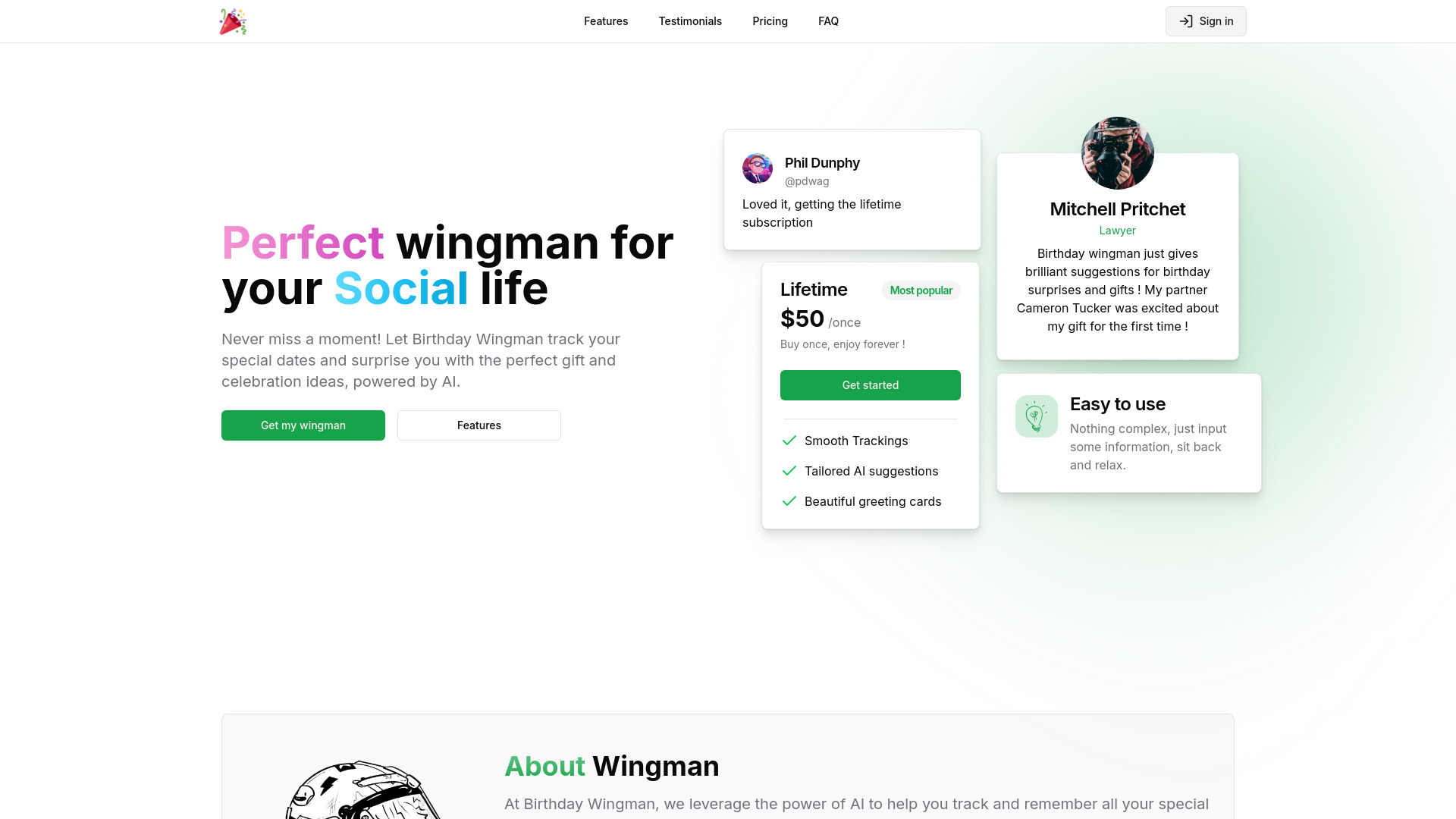 Birthday Wingman
 |
Freemium | ▲ 168 | ★ 4.8 |
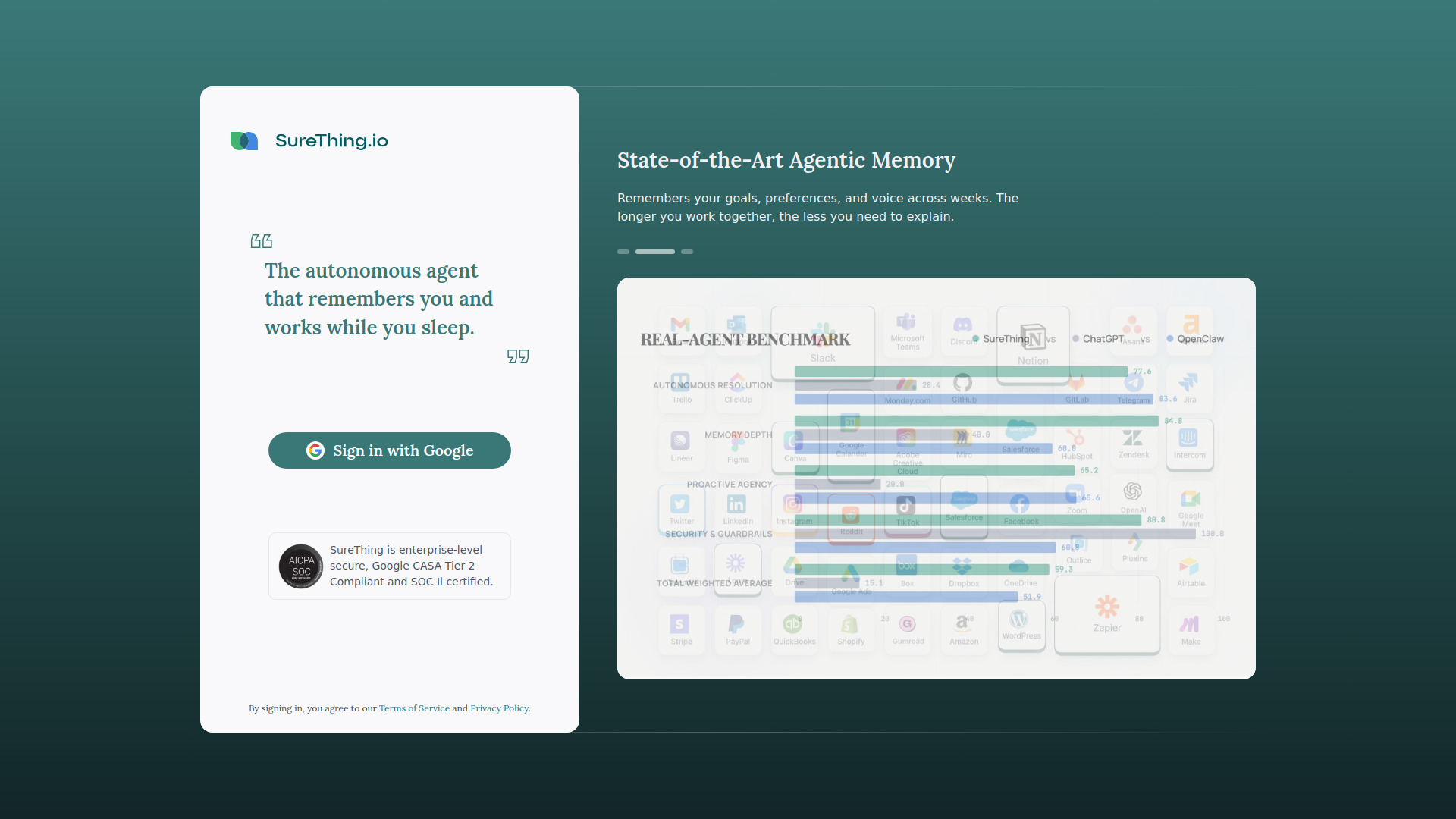 SureThing
 |
Freemium | ▲ 60 | ★ 4.1 |