📂 Best AI Video Tools 👁 1.1k views 🕐 June 8, 2026

Google Vids

Google Vids is an online video editor infused with Google’s AI technology,.

Google Vids is an online video editor infused with Google’s AI technology, designed to help users create, edit, and share rich video content. It is particularly suited for businesses and individuals looking to scale their message through video storytelling. With Google Vids, users can add their own media, record their screen, and generate videos from simple prompts, making it an accessible tool for those without extensive video editing experience.

Google Vids offers a range of key capabilities, including the ability to transform video storytelling with Veo 3, animate images, and get to the first draft faster with Gemini. The tool also features a content library that helps unleash creativity and create dynamic, engaging videos with millions of high-quality royalty-free media assets. Additionally, Google Vids allows for seamless viewing and playback, and it is available on all Business and Enterprise Workspace plans, as well as to consumers in Google AI Pro and Ultra plans.

Google Vids is most valuable for marketing teams, educators, and small business owners who need to create engaging video content quickly and efficiently. These users can benefit from the tool's ease of use, collaborative features, and AI-powered video creation capabilities, which enable them to tell more engaging stories at work and scale their message through video storytelling.

Best AI Video Tools Featured Future Tools Ia
Features
Veo 3
A feature that transforms video storytelling by bringing ideas to life with realistic motion and native audio, or by having an AI avatar present a message.
Gemini
A feature that helps unlock video creation for everyone through a fully editable outline with suggested scenes, stock media, and more, all from a prompt and a file.
Content Library
A library that helps unleash creativity and create dynamic, engaging videos with millions of high-quality royalty-free media assets.
Screen Recorder
A Chrome extension that allows users to quickly record their screen and camera from any browser window.
Verdict
Best forTeams doing Best AI Video Tools work who need consistent output without a steep learning curve.
Skip ifYou only need this once or twice; the subscription cost won't pay off for occasional use.
Google Vids makes it easy for users without video editing experience to create engaging video content, thanks to its intuitive interface and AI-powered features.
The tool offers a range of templates and a content library, which helps users to build their story and create dynamic videos.
Google Vids allows for collaborative video creation, making it a great tool for teams working on video projects together.
Google Vids has limitations on video length, with a maximum of 10 minutes per video, which may not be suitable for all use cases.
The tool's AI features and templates are currently only available in English, which may limit its usefulness for users who prefer to work in other languages.
Alternatives
ToolPricingUpvotesRating
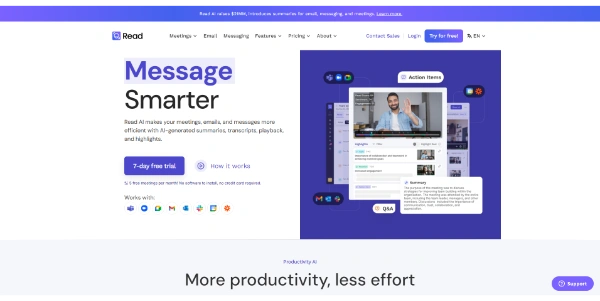
Read AI Freemium ▲ 112 3.7
BigIdeasDB Freemium ▲ 315 3.5
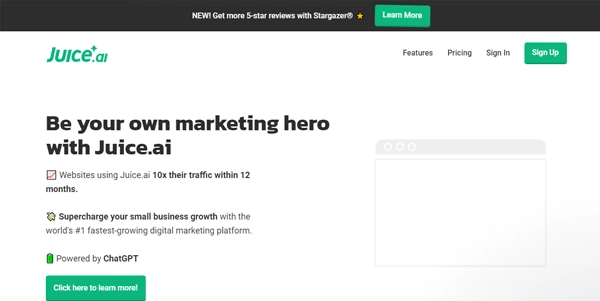
Juice AI Freemium ▲ 280 4.1
Frequently Asked Questions
Google Vids is an online video editor infused with Googleu2019s AI technology, designed to help users create, edit, and share rich video content.
Google Vids is available on all Business and Enterprise Workspace plans, as well as to consumers in Google AI Pro and Ultra plans. The exact pricing details are not specified, but users can try Google Workspace for free for 14 days.
Google Vids has limitations on video length, with a maximum of 10 minutes per video, and its AI features and templates are currently only available in English.
Yes, users can try Google Workspace, which includes Google Vids, for free for 14 days.
Google Vids stands out from other video editing tools due to its AI-powered features, intuitive interface, and collaborative capabilities, making it a great option for users who want to create engaging video content quickly and efficiently.
Reviews
📝
No reviews yet
Be the first to share your experience with Google Vids.
Submit a Review

Your email address will not be published. Required fields are marked *

Google Vids
Google Vids
Freemium
Visit Site ↗
Home Prompts