📂 Edition Video 👁 1.3k views 🕐 June 14, 2026

Google Vids

Google Vids is an online video editor that allows users to create,.

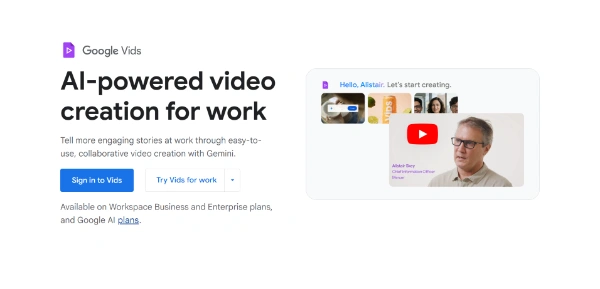
Google Vids is an online video editor that allows users to create, edit, and share rich video content. It is infused with Google’s AI technology, making it easier for users to scale their message through video storytelling. Whether you're a business or an individual, Google Vids helps you tell engaging stories with video.
Google Vids offers various features such as adding your own media, recording your screen, and transforming your video storytelling with Veo 3. It also allows you to generate video from a simple prompt, deliver your message with AI Avatars, and animate your images with Veo.
Google Vids is ideal for individuals and businesses who want to create dynamic, engaging videos without requiring extensive design skills. It is particularly useful for those who need to educate customers and teams at scale, providing them with the information they need through easy screen sharing and video creation.

Edition Video Last Ia Meilleurs Agents Ia
Features
AI-powered video creation
allows users to generate video from a simple prompt and create stunning video clips with realistic motion and native audio.
Veo 3
helps transform your video storytelling and brings your ideas to life with realistic motion and native audio.
Screen Recorder Chrome extension
enables users to quickly record their screen and camera from any browser window.
Gemini in Vids
helps unlock video creation for everyone through a fully editable outline with suggested scenes, stock media, and more — all from a prompt and a file.
Verdict
Best forTeams doing Edition Video work who need consistent output without a steep learning curve.
Skip ifYou only need this once or twice; the subscription cost won't pay off for occasional use.
Easy to use: Google Vids offers a variety of ways to jumpstart video creation, making it accessible to users without extensive design skills.
Collaborative: allows multiple users to work together on video creation, making it ideal for businesses and teams.
Time-saving: enables users to get to the first draft faster with the help of Gemini in Vids and other features.
Limited video length: each video can be a maximum of 10 minutes, which may not be suitable for all users.
Language limitations: AI features and templates are only available in English at this time, which may limit its use for non-English speaking users.
Alternatives
ToolPricingUpvotesRating
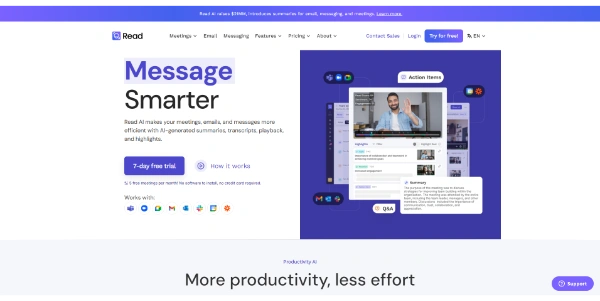
Read AI Freemium ▲ 112 3.7
BigIdeasDB Freemium ▲ 315 3.5
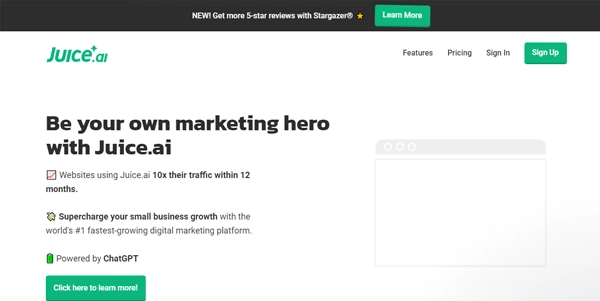
Juice AI Freemium ▲ 280 4.1
Frequently Asked Questions
Google Vids is an online video editor that allows users to create, edit, and share rich video content. It is infused with Googleu2019s AI technology, making it easier for users to scale their message through video storytelling.
The exact pricing of Google Vids is not specified, but it is available on all Business and Enterprise Workspace plans, as well as Google AI Pro and Ultra plans for consumers. Users can try Google Workspace for free for 14 days.
Each video can be a maximum of 10 minutes, and AI features and templates are only available in English at this time. Additionally, the free trial is limited to 14 days.
Yes, you can try Google Workspace, which includes Google Vids, for free for 14 days. However, the free trial is limited, and you will need to upgrade to a paid plan to continue using the service.
Google Vids is unique in its AI-powered video creation capabilities and seamless integration with Google Workspace. However, it may not offer as many advanced features as other video editing tools, making it more suitable for users who want a simple and easy-to-use video editor.
Reviews
📝
No reviews yet
Be the first to share your experience with Google Vids.
Submit a Review

Your email address will not be published. Required fields are marked *

Google Vids
Google Vids
Freemium
Visit Site ↗
Home Prompts