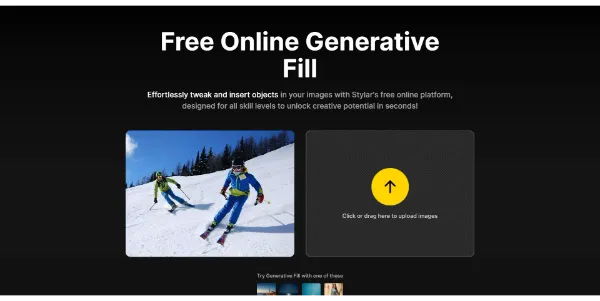
Generative Fill by Stylar
Generative Fill by Stylar is an AI design tool that allows users.
Generative Fill by Stylar is an AI design tool that allows users to transform their designs with controllable image generation and editing capabilities. It is suitable for individuals looking to extend the background of an image or replace objects within an image. The tool is part of an all-in-one online free platform that offers various AI-powered design solutions.
The key capability of Generative Fill by Stylar is its ability to generate and edit images using AI, allowing for the extension of image backgrounds, object replacement, and more. This is achieved through a user-friendly interface where users can upload their images and utilize the AI-powered editing tools. The tool also offers other features such as AI image combiner, image to prompt, and magic eraser, making it a versatile option for image editing needs.
Graphic designers, digital artists, and social media managers can get the most value from Generative Fill by Stylar, as it provides them with a free and efficient way to edit and generate high-quality images. The tool's AI capabilities and user-friendly interface make it an ideal solution for those looking to enhance their visual content without requiring extensive design experience.
| Tool | Pricing | Upvotes | Rating |
|---|---|---|---|
 Read AI
 |
Freemium | ▲ 112 | ★ 3.7 |
 BigIdeasDB
 |
Freemium | ▲ 315 | ★ 3.5 |
 Juice AI
 |
Freemium | ▲ 280 | ★ 4.1 |