📂 Animated Video 👁 747 views 🕐 July 21, 2026

Before and After

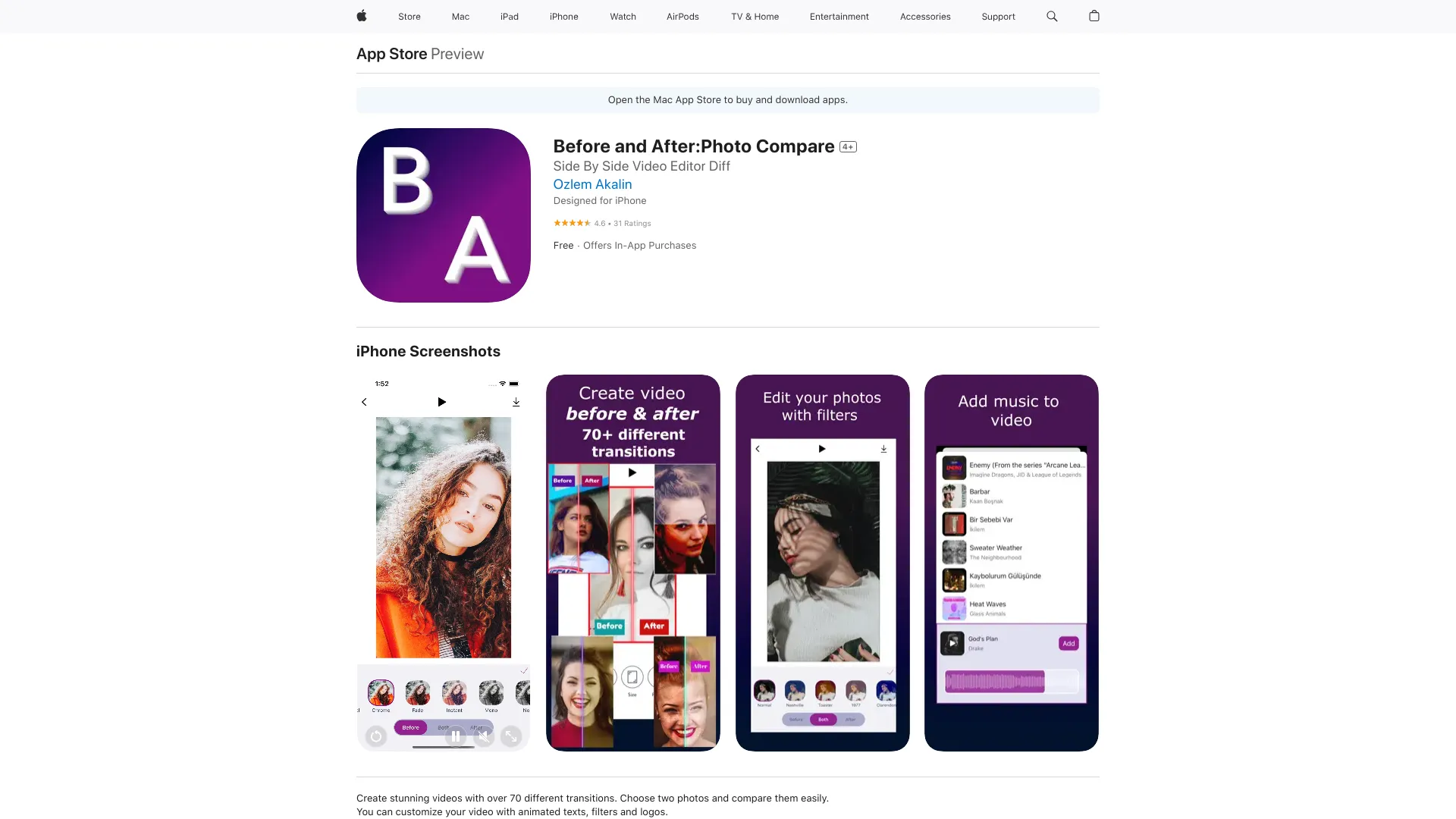
Before and After is an animated video tool designed for individuals and.

Before and After is an animated video tool designed for individuals and teams looking to create engaging, comparative content. It's particularly useful for those who need to showcase changes, improvements, or transformations in a compelling, easy-to-understand format. Whether it's for educational, marketing, or entertainment purposes, Before and After aims to make the creation of such content more accessible and efficient.
The tool works by allowing users to upload or create their 'before' and 'after' scenes, which can then be animated and edited together with various effects and transitions. Key capabilities include the ability to add text overlays, voiceovers, and background music to enhance the narrative and engagement of the video. This flexibility makes it suitable for a wide range of applications, from product demonstrations and tutorials to personal stories and testimonials.
Professionals and creators who frequently need to communicate complex changes or comparisons in an engaging manner will get the most value from Before and After. This includes marketers looking to highlight product upgrades, educators seeking to illustrate scientific concepts or historical changes, and content creators aiming to tell compelling stories of transformation. By leveraging Before and After, these individuals can produce high-quality, engaging videos that capture their audience's attention and effectively convey their message.

Animated Video Animation Generator Bikini
Features
Customizable Templates
Offers a variety of pre-designed templates to help users get started with their animated videos quickly.
Drag-and-Drop Editor
Allows for easy arrangement of scenes, effects, and media, making the editing process intuitive and user-friendly.
Media Library
Provides access to a library of royalty-free images, music, and sound effects to enhance video content.
Collaboration Tools
Enables real-time collaboration, allowing multiple users to work on a project simultaneously.
Verdict
Best forTeams doing Animated Video work who need consistent output without a steep learning curve.
Skip ifYou only need this once or twice; the subscription cost won't pay off for occasional use.
Enhances Engagement: Through animated comparisons, it can significantly increase viewer engagement and understanding.
User-Friendly Interface: The intuitive design makes it accessible to users without extensive video editing experience.
Time-Saving: Automates the process of creating comparative videos, saving time and effort.
Limited Advanced Features: May not offer the advanced editing features that professional video editors require.
Dependence on Internet: Requires a stable internet connection to function, which can be a limitation in certain environments.
Alternatives
ToolPricingUpvotesRating
finlight.me Freemium ▲ 58 4.8
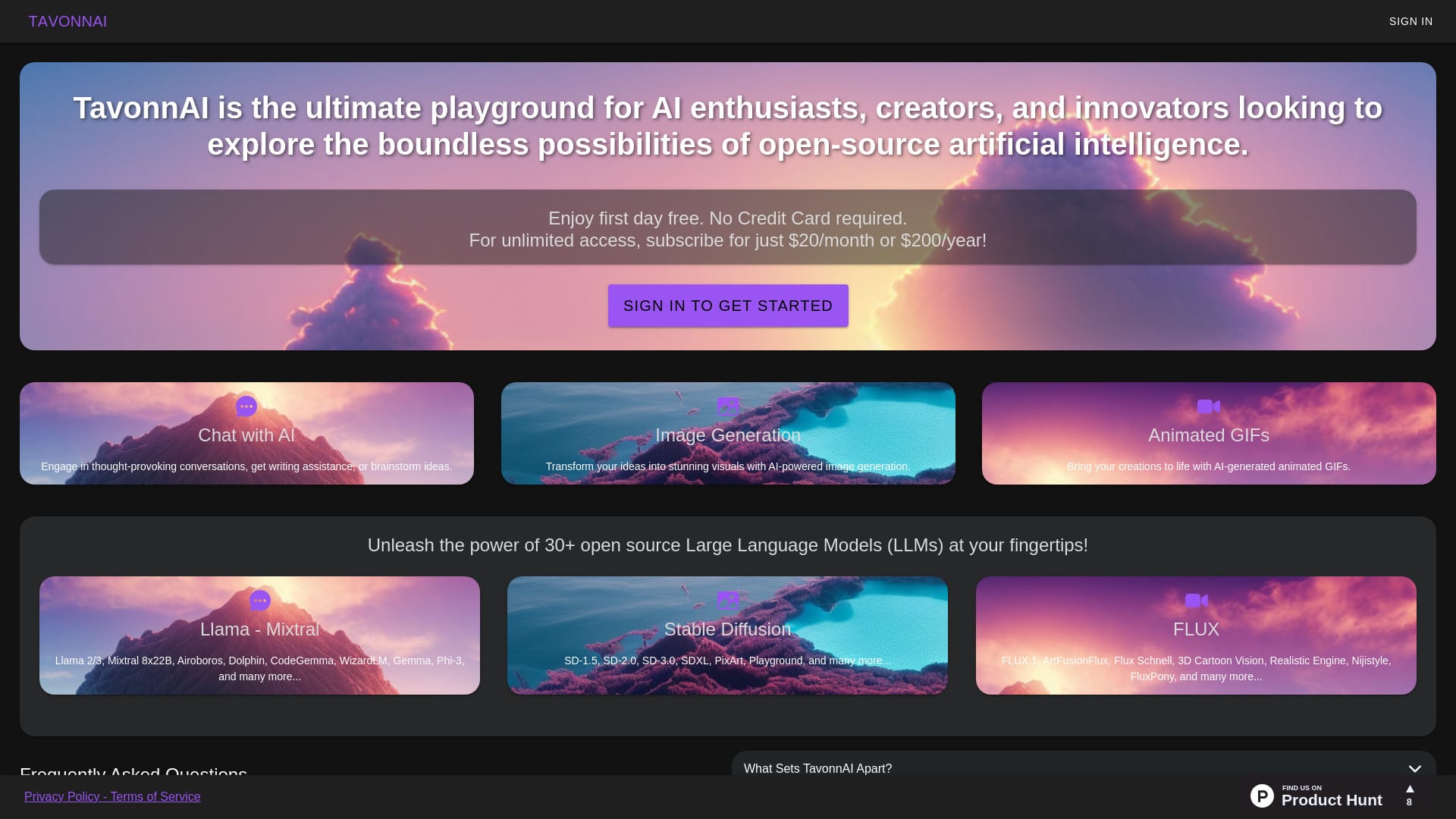
TavonnAI Freemium ▲ 247 4.9
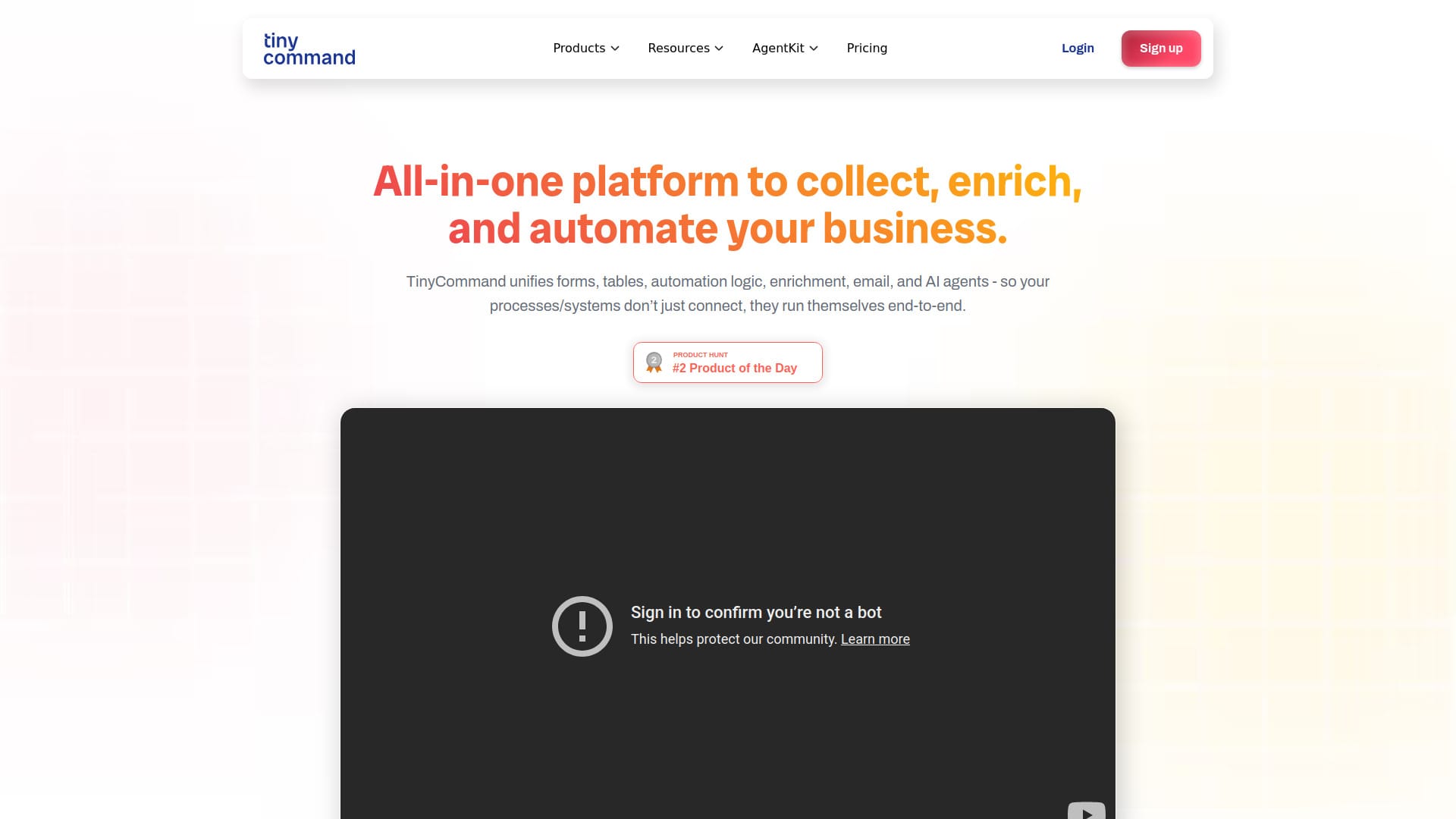
TinyCommand Freemium ▲ 224 4.6
Frequently Asked Questions
Before and After is used to create animated videos that compare two states, such as before and after a transformation, to tell engaging stories or illustrate changes.
Yes, Before and After is designed with a user-friendly interface, making it accessible to individuals without extensive video editing experience.
Yes, Before and After offers collaboration tools that allow multiple users to work on a project simultaneously, facilitating teamwork and feedback.
The specific support options, such as tutorials, customer service, or community forums, are not detailed, as the official website's content is not available.
Before and After stands out with its focus on comparative, animated videos, offering a unique set of features tailored for this specific need, distinguishing it from more general video editing software.
Reviews
📝
No reviews yet
Be the first to share your experience with Before and After.
Submit a Review

Your email address will not be published. Required fields are marked *

Before and After
Before and After
Freemium
Visit Site ↗
Home Prompts