OpenAI TTS ai chrome extension
The OpenAI TTS ai chrome extension is a tool designed for individuals.
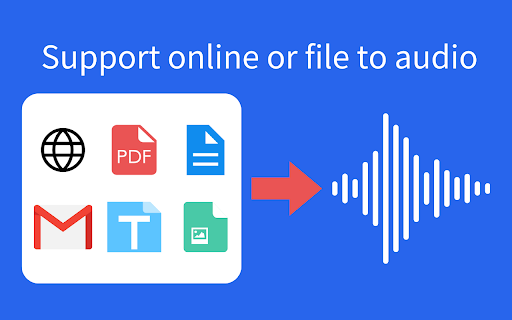
The OpenAI TTS ai chrome extension is a tool designed for individuals who need assistance with reading text from web pages. It utilizes AI to convert text into speech, making it easier for users to consume content. This extension is particularly useful for those with dyslexia, visual impairments, or individuals who prefer to listen to content instead of reading it.
The OpenAI TTS ai chrome extension works by using OpenAI's text-to-speech technology to synthesize human-like voices from written text. Users can highlight text on a webpage and activate the extension to hear the selected text read aloud. This feature can be especially helpful for long articles, documents, or any content that requires intense focus. The extension may also offer customization options, such as voice selection and speed adjustment, to enhance the user experience.
The OpenAI TTS ai chrome extension provides the most value to individuals who struggle with reading due to disabilities or preferences. For example, students with dyslexia can use the extension to listen to their assignments, while professionals can use it to multitask by listening to documents or articles during their daily commute. Additionally, the extension can be beneficial for language learners who want to improve their listening skills by hearing native speakers pronounce words and phrases correctly.