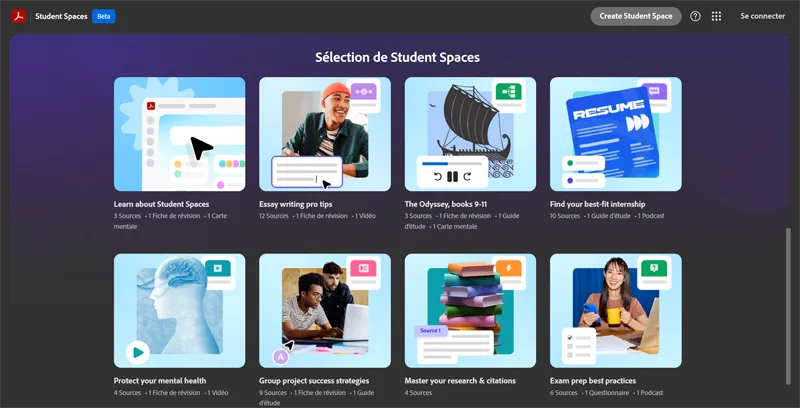
Adobe Acrobat Student Spaces
Adobe Acrobat Student Spaces is designed for students, offering a dedicated space.
Adobe Acrobat Student Spaces is designed for students, offering a dedicated space to work with PDFs. It allows students to create, edit, and share PDFs, facilitating collaboration and learning.
The tool provides key capabilities such as PDF creation from various file formats, editing tools for text and images, and the ability to combine multiple files into a single PDF. It also enables students to share their work easily, either by sending files directly or by sharing a link to the PDF.
Students in educational institutions, particularly those in higher education, get the most value from Adobe Acrobat Student Spaces. This is because the tool streamlines their workflow, making it easier to manage assignments, collaborate on projects, and submit work to instructors. By using Adobe Acrobat Student Spaces, students can improve their productivity and focus on their academic goals.
| Tool | Pricing | Upvotes | Rating |
|---|---|---|---|
 Read AI
 |
Freemium | ▲ 112 | ★ 3.7 |
 BigIdeasDB
 |
Freemium | ▲ 315 | ★ 3.5 |
 Juice AI
 |
Freemium | ▲ 280 | ★ 4.1 |