The Ultimate Guide to AI Background Removers

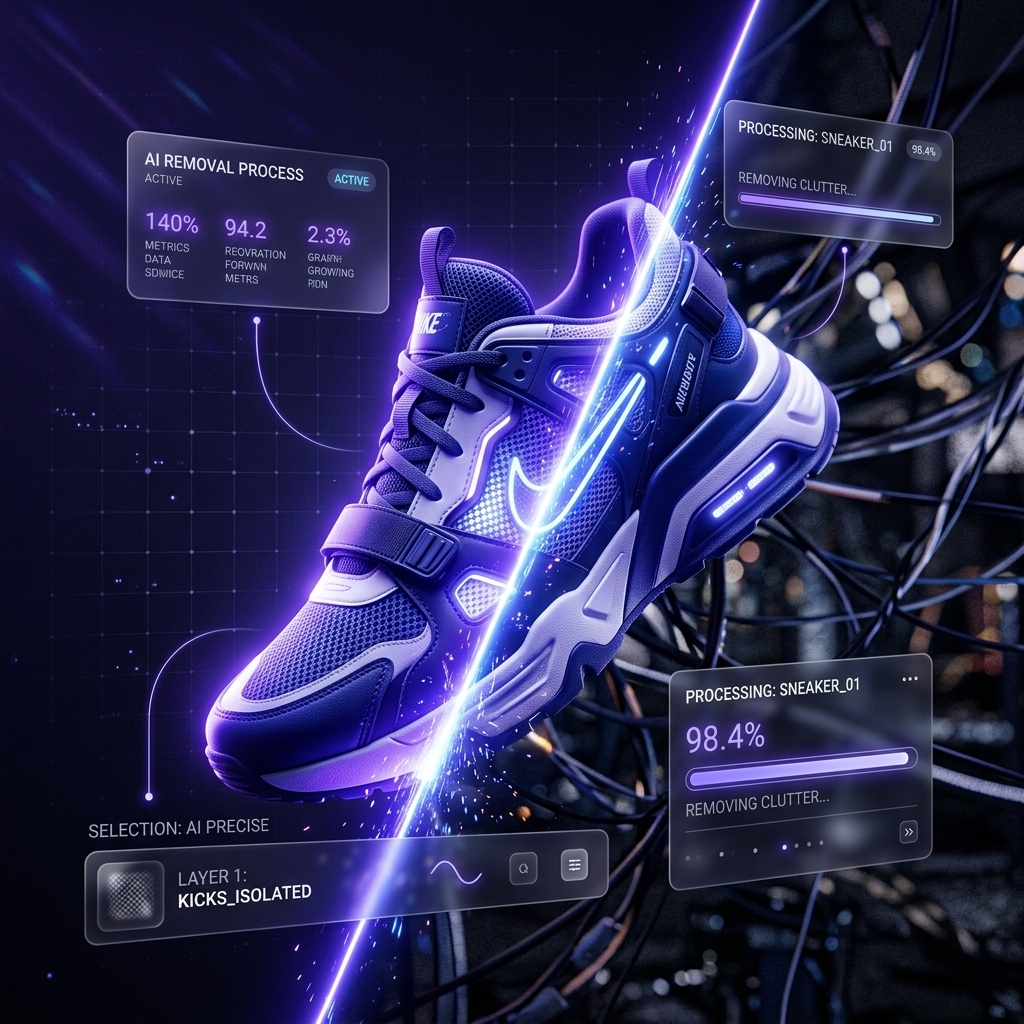
Manually masking hair strands in Photoshop using the Pen Tool is officially a practice of the past. Today, a powerful AI background remover can achieve perfect pixel separation in half a second. But with dozens of apps claiming to be the best, which one actually delivers?

How Does an AI Background Remover Work?
Instead of relying on contrast edges like old wand tools, modern AI uses deep neural networks trained on millions of images. The AI builds a mathematical understanding of what a “subject” is (a person, a car, a dog) and separates that defined object from the environment, generating a flawless alpha mask.
Best Tools for the Job
1. Remove.bg: Still the reigning champion for pure accuracy, especially with difficult hair edges. The drawback? High-resolution downloads require premium credits.
2. ClipDrop (by Jasper): Offers incredible lighting adjustment tools alongside its background removal, letting you seamlessly drop your subject into a new environment with matching shadows.
3. Canva: The most convenient option. With a single click inside your existing design workflow, Canva Pro strips backgrounds perfectly for graphic designers.
Video Background Removal
Rotoscoping video manually used to take days. Now, tools like RunwayML Gen-1 can remove the background from moving subjects without a green screen, opening up massive possibilities for VFX artists.