5 Best Gemini AI 3D Anime Portrait Prompts
Here are 5 of the best viral prompts for this category. Each prompt is tested and ready to copy-paste directly into Google Gemini, ChatGPT, or Midjourney. Just copy, paste, and generate your viral photo instantly — no editing skills needed.
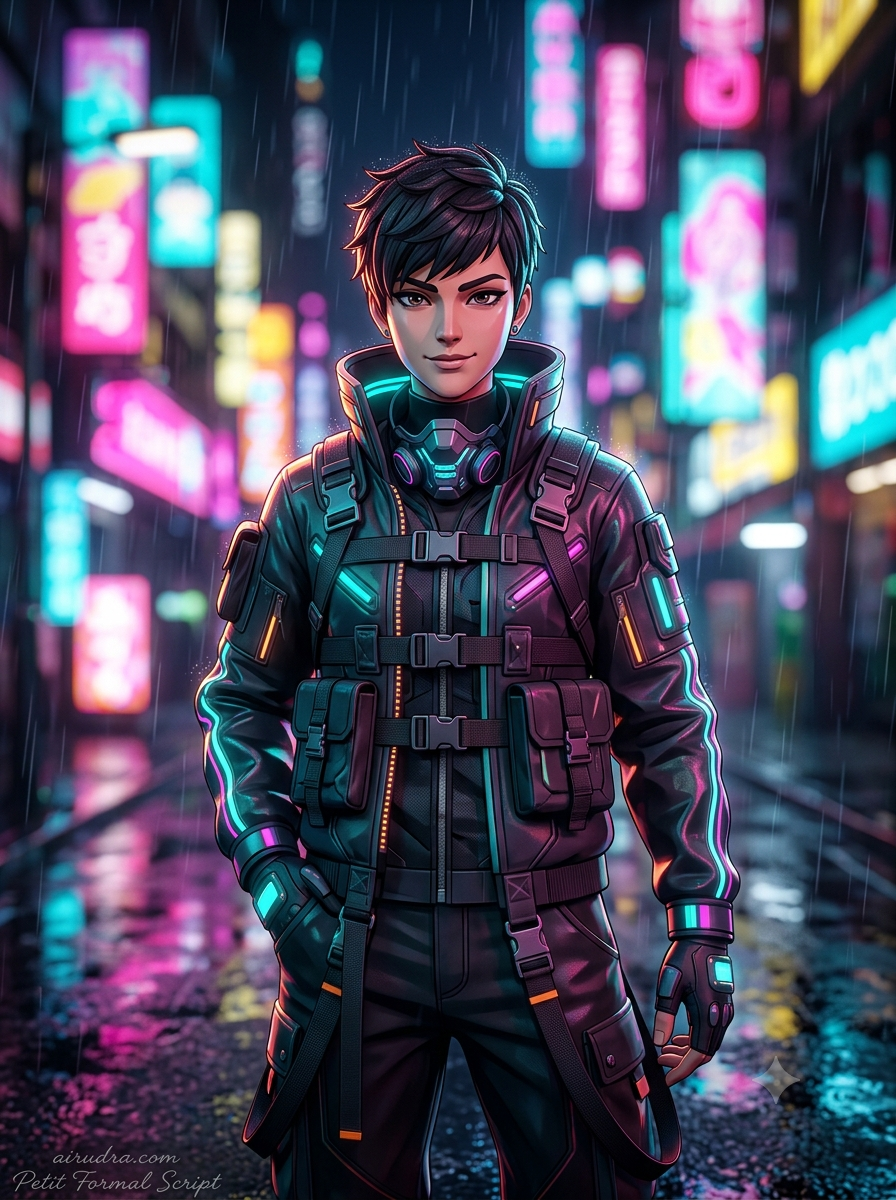
The Cyberpunk Neon Street
Edgy, vibrant, futuristic style.
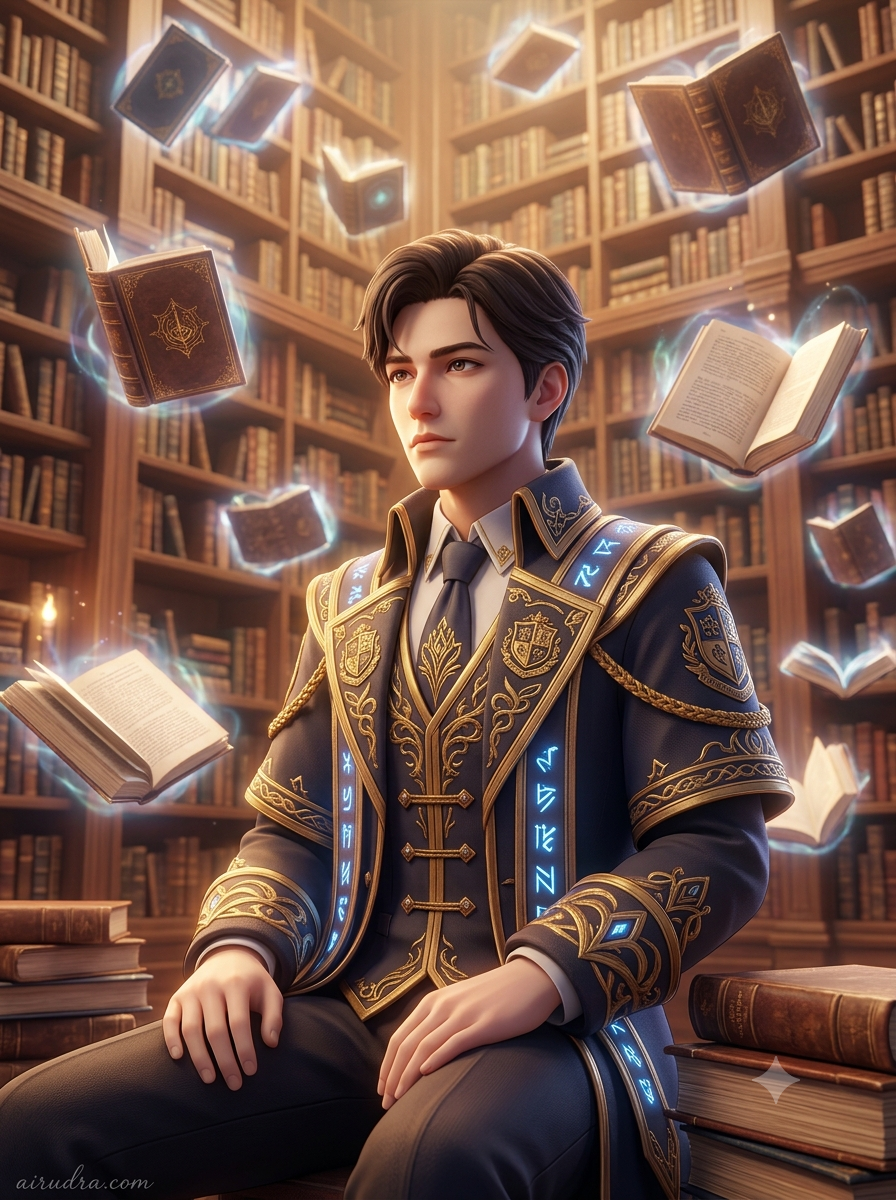
The Magical Library
Fantasy academy aesthetic.
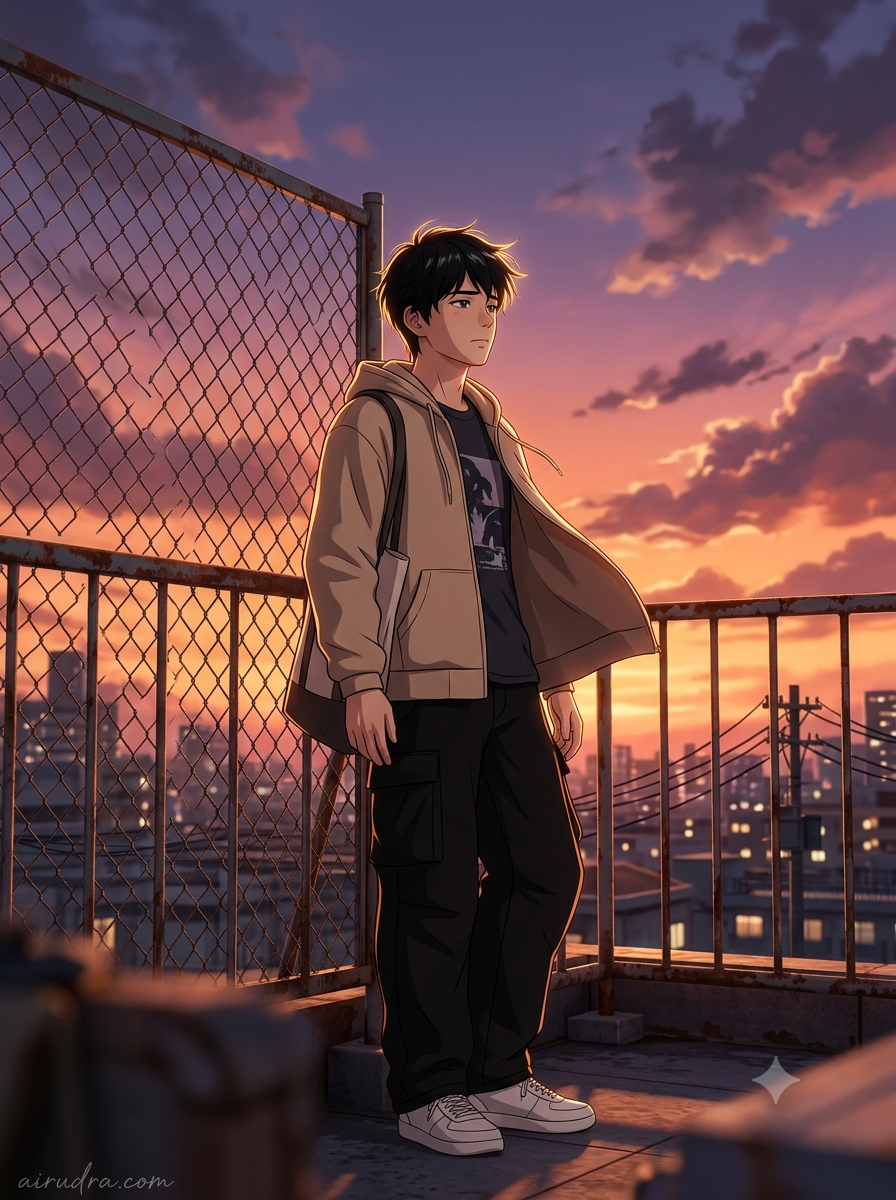
The Sunset Rooftop
Nostalgic slice-of-life anime feel.
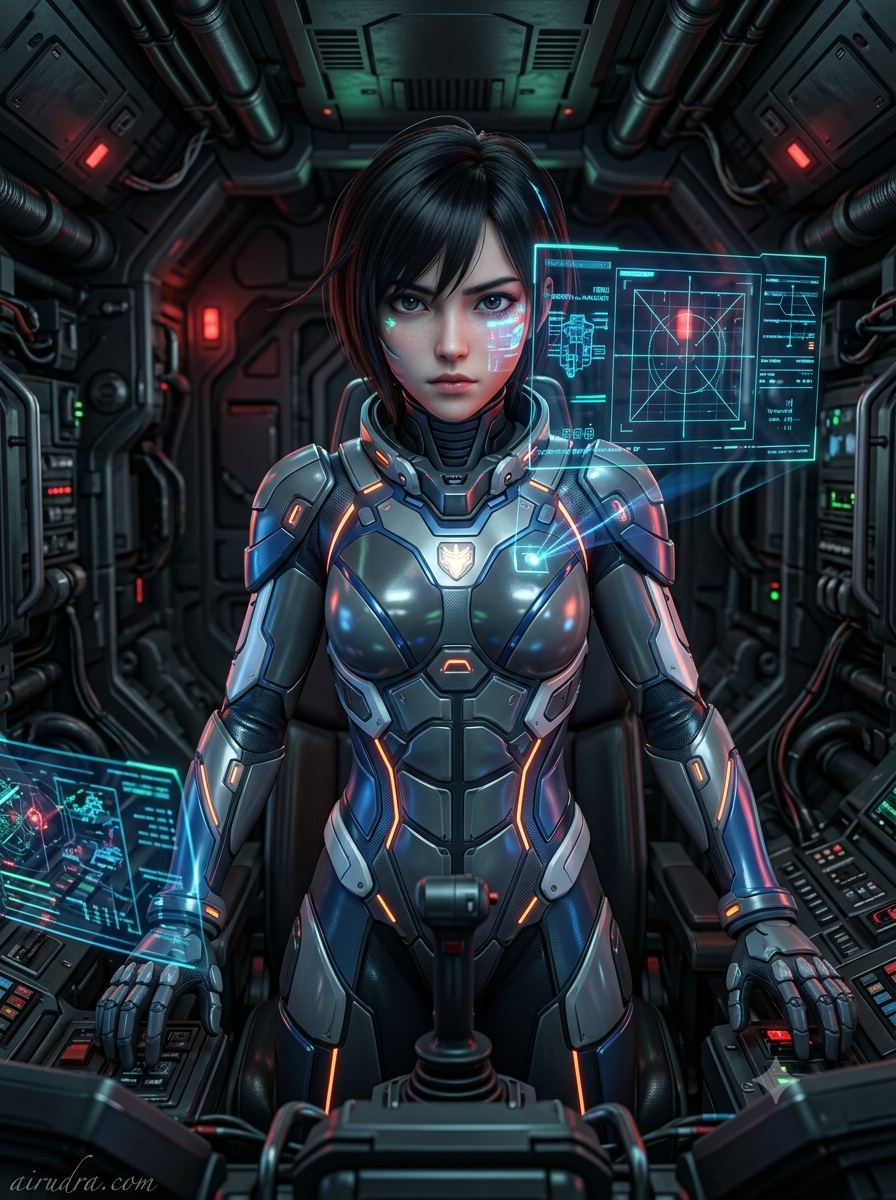
The Sci-Fi Mecha Pilot
Action-oriented sci-fi vibe.
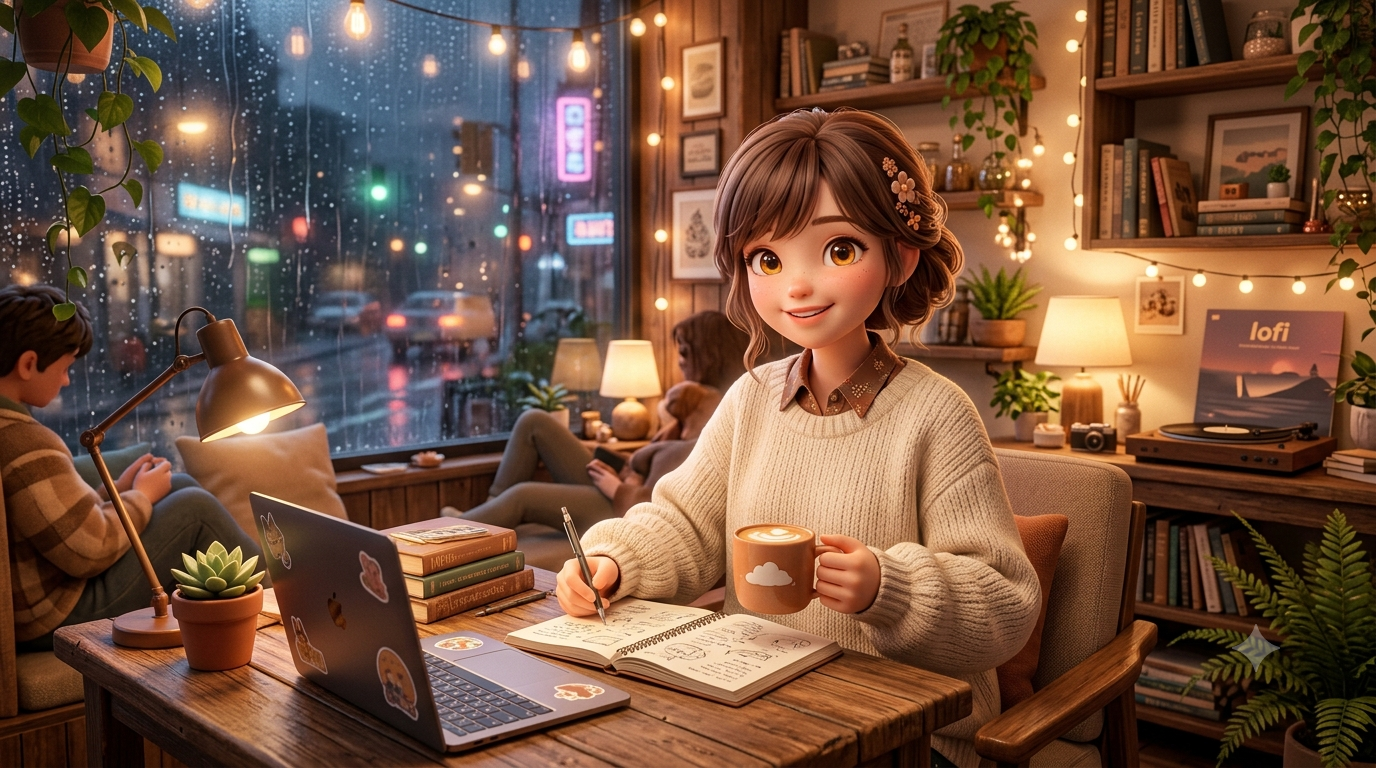
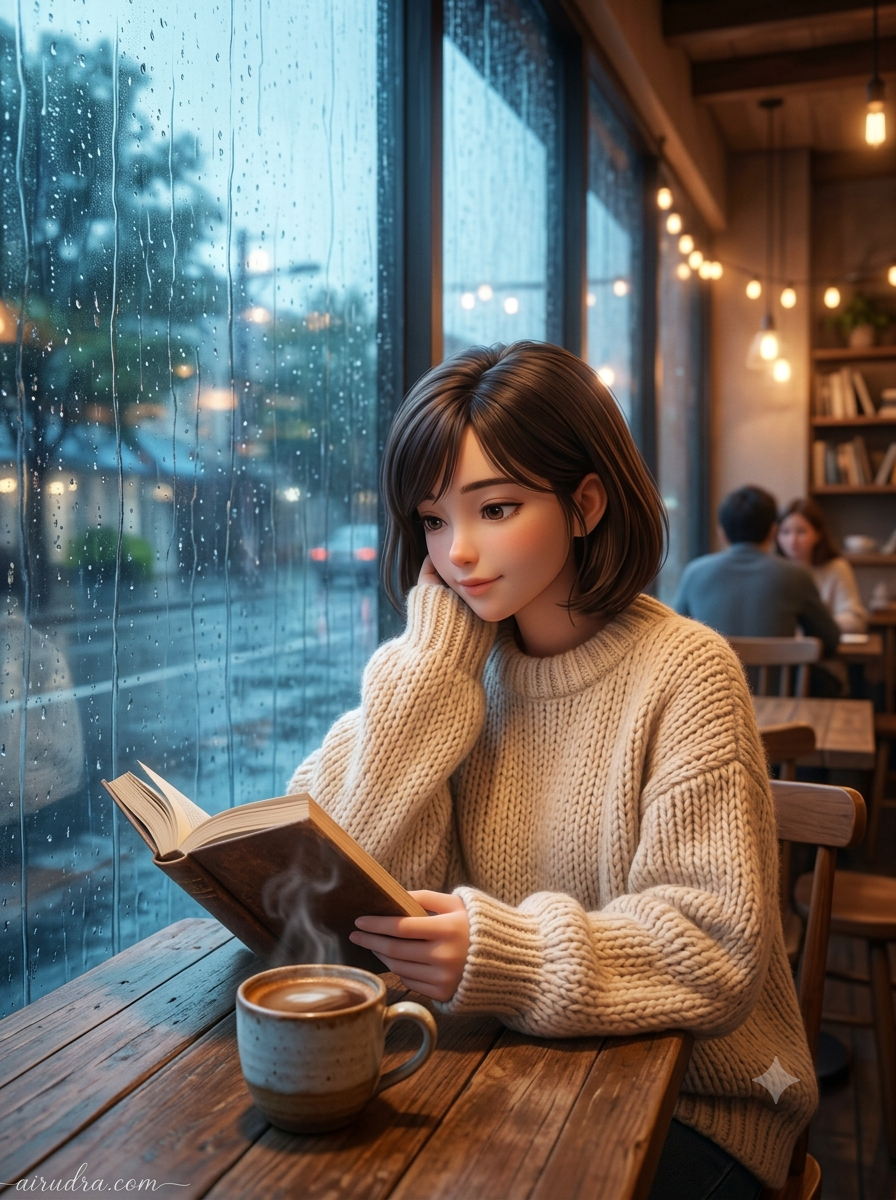
The Cozy Cafe Study
An incredibly cozy, deeply atmospheric, highly relaxing 3D anime style portrait. Flawlessly keeping exact facial identity and gentle expression. Pixar meets premium Japanese anime style, very relaxing, moody, and deeply atmospheric, evoking lofi hip-hop study aesthetics. True 8k resolution, soft, dreamy focus, masterpiece.
Are you looking to create stunning, viral-worthy Anime AI generated images but struggling to get the exact look you want? Welcome to our ultimate collection of copy-paste prompts designed specifically for advanced AI image generators like ChatGPT Plus (DALL-E 3), Midjourney, and Gemini Advanced.
Why These Anime Prompts Go Viral
The secret to generating photorealistic, breathtaking AI art lies in the details. A basic prompt will give you a basic image. However, the viral images you see trending across Instagram and Pinterest use highly structured prompt engineering. Our prompts below include:
- Facial Consistency Locks: Specific instructions ensuring the AI maintains exact facial structures if you are using reference images.
- Hyper-Detailed Wardrobe: From intricate embroidery on sarees to perfectly tailored techwear jackets, the AI needs fabric and texture cues.
- Cinematic Camera Settings: We command the AI using real-world photography terms like “Canon R5”, “85mm f1.4 lens”, and “cinematic bokeh” to guarantee professional magazine quality.
- Lighting & Color Grading: Specifying “golden hour”, “neon cyberpunk rim lighting”, or “warm Kodachrome film” changes an image from artificial to authentic.
How to Use These Prompts
Using our prompt directory is incredibly simple. Just browse the collection below, find the aesthetic that matches your vision, and click the Copy Prompt button. Paste it directly into your favorite AI tool.
Pro Tip: Feel free to tweak colors, clothing items, or camera angles to make the prompt uniquely yours! If you want to use your own face, simply attach your photo to ChatGPT or Gemini and tell the AI to use it as the reference for the prompt.
📖 How to Use These Prompts
1. Copy the Prompt
Click "Copy Prompt" on any card above.
2. Open Gemini or ChatGPT
Go to gemini.google.com. Optionally upload your photo.
3. Paste and Edit
Paste the prompt. Change "YOUR NAME" to your name.
4. Generate and Share
Hit enter, download, and post to Instagram!