📂 Answer 👁 3.6k views 🕐 July 7, 2026

ChatScreenshot

ChatScreenshot is a tool designed for individuals and teams who need to.

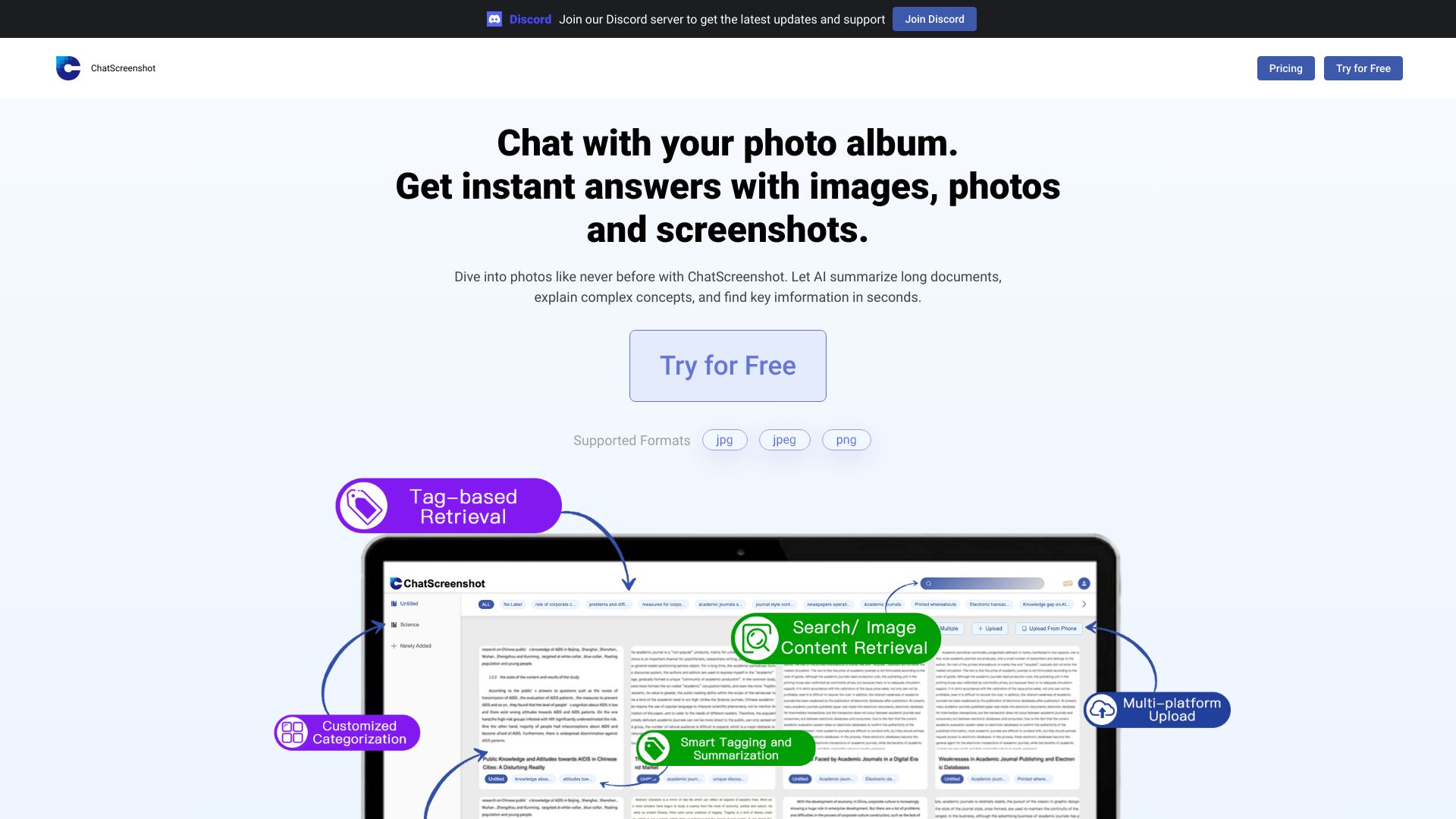
ChatScreenshot is a tool designed for individuals and teams who need to analyze and understand chat conversations through screenshots. It is intended for those who require insights into how chats are conducted, possibly for customer service improvement, market research, or social media monitoring.

The way ChatScreenshot works involves the analysis of chat screenshots to extract valuable information. This could include sentiment analysis, conversation flow, and key topic identification. By doing so, it provides users with a deeper understanding of the conversations that are happening within chats.

Professionals such as customer service managers, social media analysts, and market researchers get the most value from ChatScreenshot. This is because they can use the insights gained from chat screenshot analysis to improve customer service, understand market trends, and refine their social media strategies based on real conversations.

Answer Assistant Character
Features
Screenshot Upload
The ability to upload chat screenshots for analysis, allowing users to easily input the data they need to review.
Conversation Analysis
The tool analyzes the uploaded screenshots to provide insights into the conversation, such as sentiment and topic discussion.
Data Export
The capability to export the analysis results for further use in reports, spreadsheets, or other tools.
Customizable Analysis
Options for users to customize what aspects of the conversation are analyzed, such as focusing on specific keywords or emotions.
Verdict
Best forTeams doing Answer work who need consistent output without a steep learning curve.
Skip ifYou only need this once or twice; the subscription cost won't pay off for occasional use.
Provides valuable insights into chat conversations, helping users understand the context and sentiment behind the chats.
Can be used for various purposes, including customer service evaluation, market research, and social media monitoring.
Simplifies the process of analyzing chat screenshots, saving time and effort compared to manual analysis.
May not be effective for analyzing very long or complex conversations due to limitations in screenshot size or analysis capabilities.
Dependence on the quality of the uploaded screenshots, as poor quality can affect analysis accuracy.
Alternatives
ToolPricingUpvotesRating
Archimyst Freemium ▲ 178 4.0
finlight.me Freemium ▲ 58 4.8
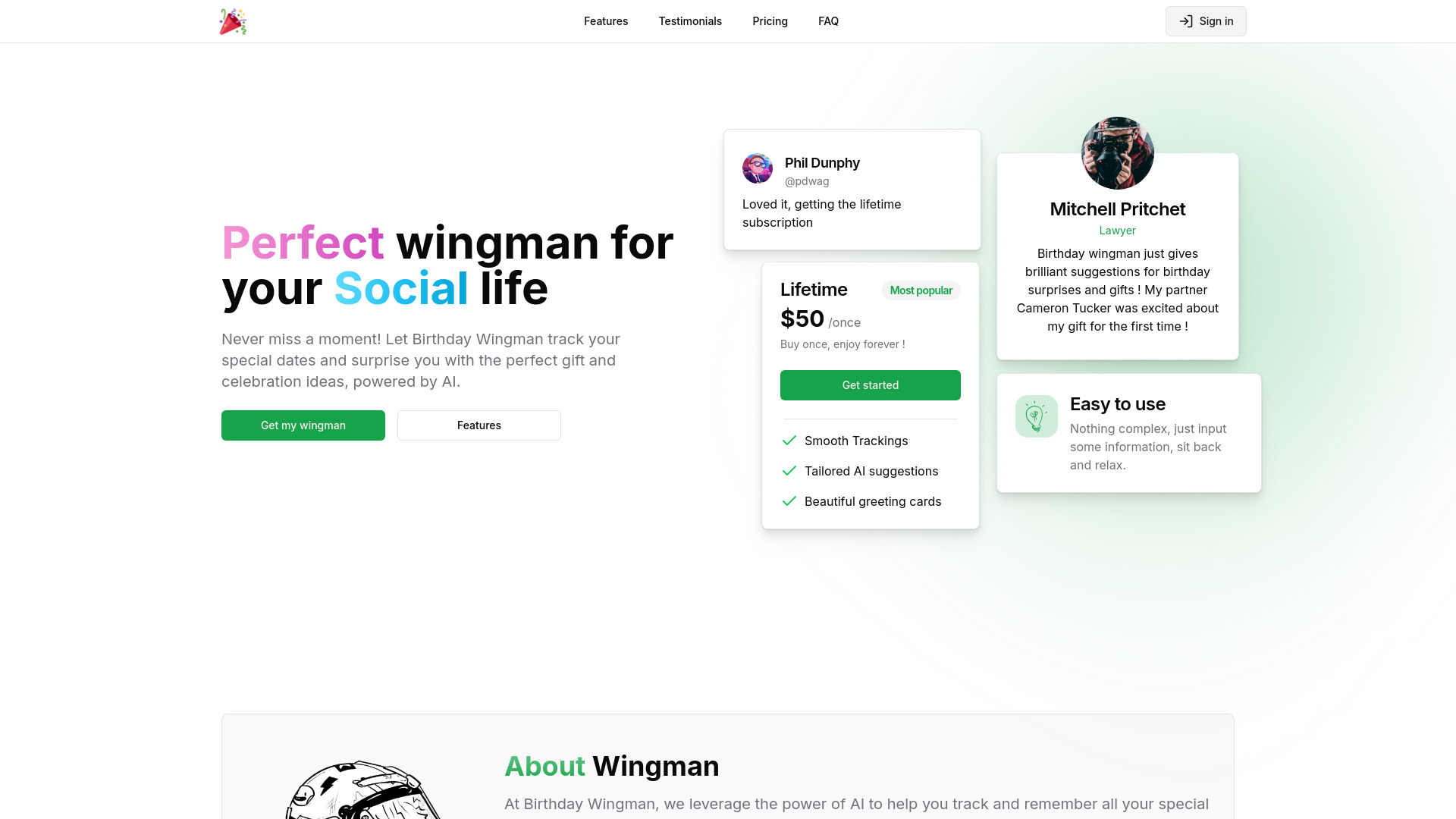
Birthday Wingman Freemium ▲ 168 4.8
Frequently Asked Questions
ChatScreenshot is used for analyzing chat screenshots to gain insights into conversations, which can be useful for customer service, market research, and social media monitoring. It helps in understanding the context and sentiment behind chats.
ChatScreenshot works by analyzing uploaded chat screenshots to extract valuable information such as conversation flow, sentiment, and key topics. It provides a deeper understanding of the conversations happening within chats.
The benefits include gaining valuable insights into chat conversations, simplifying the analysis process, and being able to use it for various purposes such as customer service evaluation and market research.
ChatScreenshot is most suitable for text-based chat conversations. It may not be effective for analyzing very long or complex conversations and has limitations based on the quality of the uploaded screenshots.
ChatScreenshot is unique in its focus on analyzing chat screenshots, offering a specific set of features tailored for this purpose. Comparisons to other tools would depend on the specific needs of the user, such as the type of conversations being analyzed and the desired outcomes of the analysis.
Reviews
📝
No reviews yet
Be the first to share your experience with ChatScreenshot.
Submit a Review

Your email address will not be published. Required fields are marked *

ChatScreenshot
ChatScreenshot
Freemium
Visit Site ↗
Home Prompts