Expense Sorted
Expense Sorted is an accounting tool designed for individuals and businesses looking.
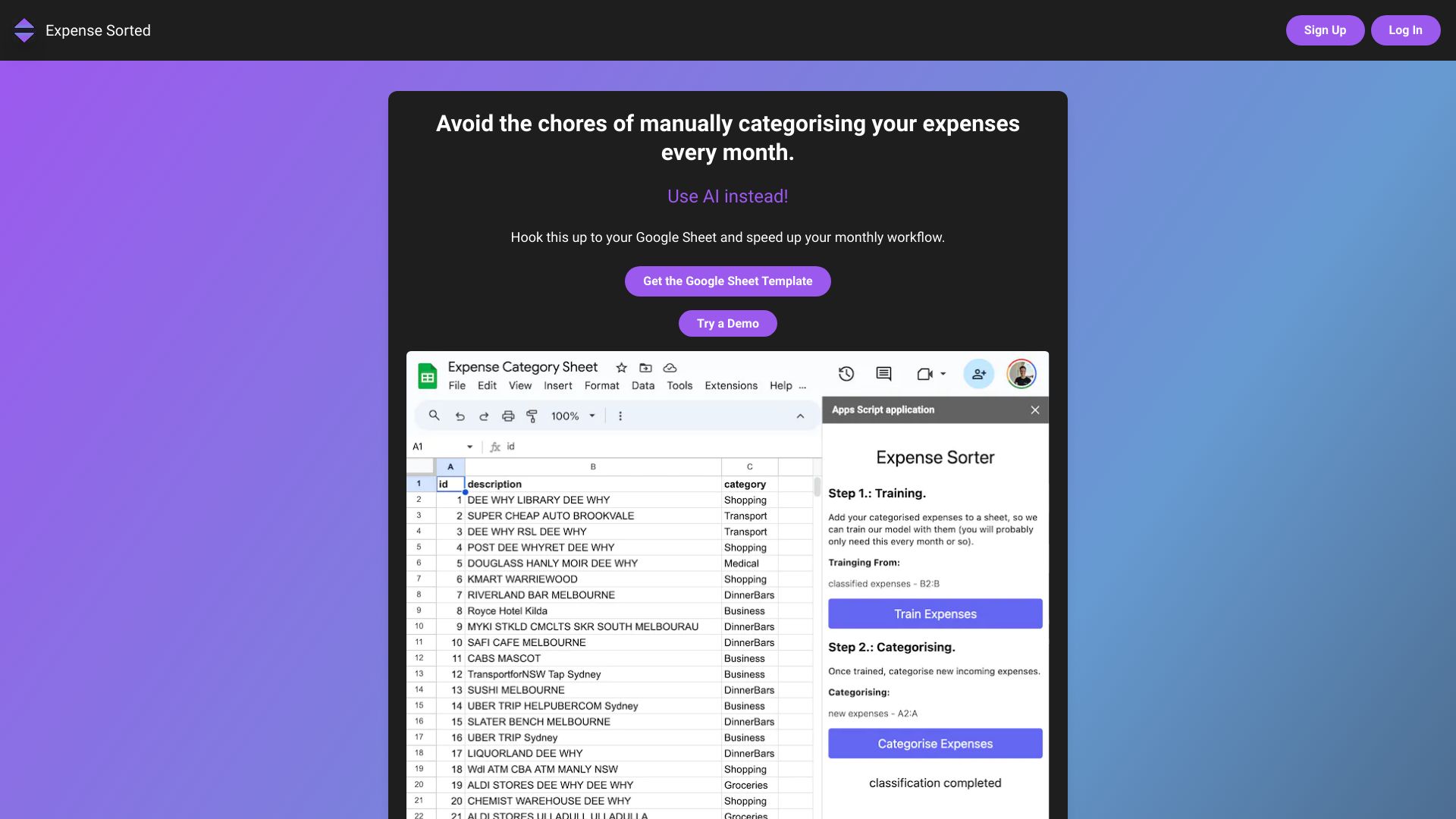
Expense Sorted is an accounting tool designed for individuals and businesses looking to organize and manage their expenses more efficiently. It is intended for those who need to track, categorize, and analyze their spending to make informed financial decisions.
The way Expense Sorted works involves the collection and categorization of expense data, which can then be used to generate reports and insights on spending habits. This capability is key to understanding where money is being spent and identifying areas for cost reduction.
Businesses and individuals with frequent or complex expenses are likely to get the most value from Expense Sorted. This is because the tool can help streamline the process of expense tracking, reduce errors in financial reporting, and provide a clear picture of financial health, which is crucial for budgeting and planning.
| Tool | Pricing | Upvotes | Rating |
|---|---|---|---|
 Archimyst
 |
Freemium | ▲ 178 | ★ 4.0 |
 EVERYTHING Studios
 |
Freemium | ▲ 159 | ★ 4.0 |
 finlight.me
 |
Freemium | ▲ 58 | ★ 4.8 |