📂 Assistant 👁 1.6k views 🕐 July 3, 2026

AskExcel

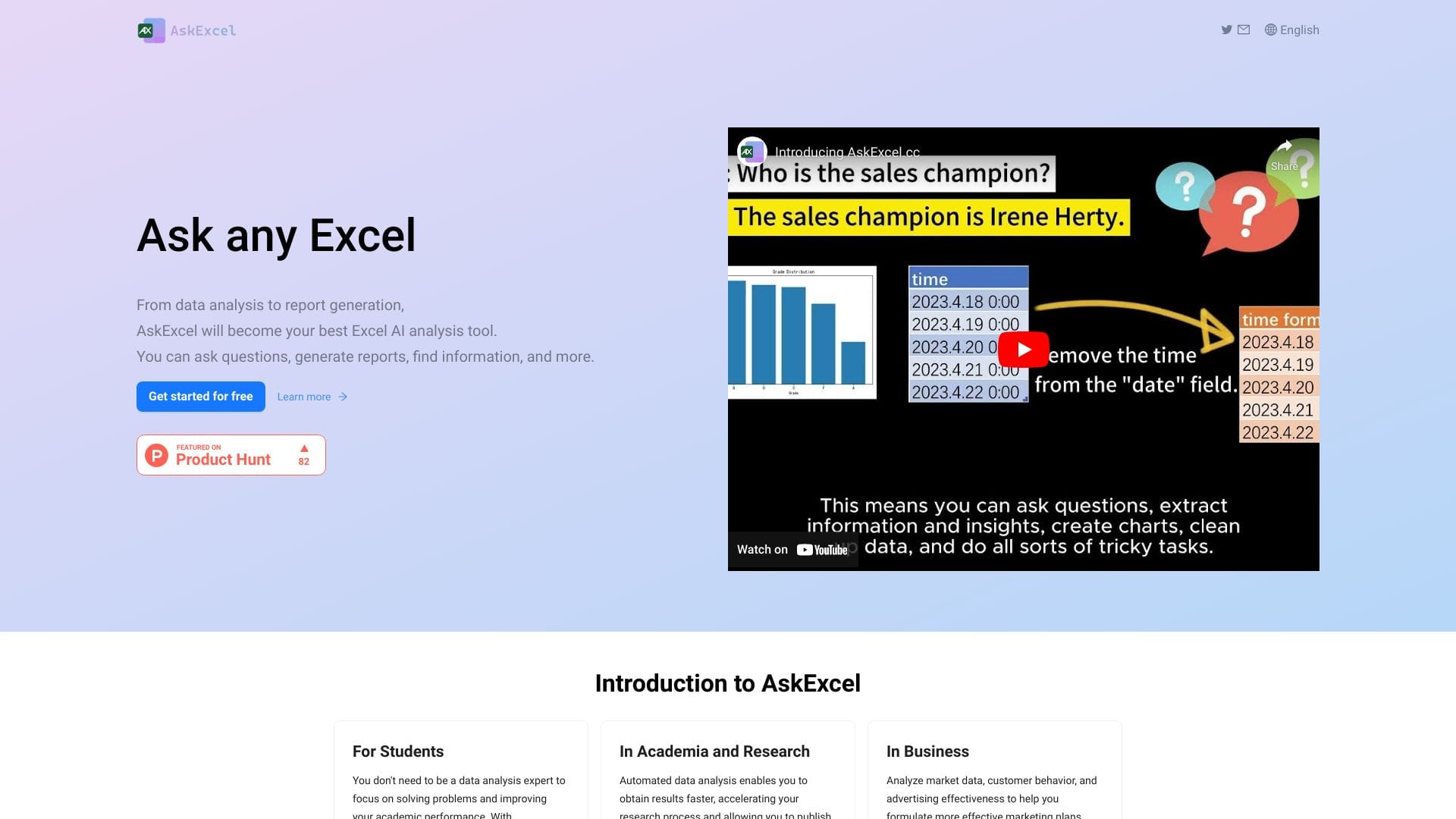
AskExcel is an AI-powered assistant designed for individuals who frequently work with.

AskExcel is an AI-powered assistant designed for individuals who frequently work with Excel, aiming to simplify tasks and enhance productivity. It is intended for those who need help with data analysis, calculations, and other Excel-related tasks. By leveraging AI, AskExcel can automate repetitive tasks, freeing up time for more complex and creative work.

The way AskExcel works involves integrating AI algorithms with Excel functionalities, allowing it to understand and execute commands related to data manipulation, formula application, and chart creation. This integration enables users to focus on high-level tasks while AskExcel handles the mundane aspects of Excel work. Key capabilities include automated data entry, formula suggestion, and data visualization.

Professionals and businesses that heavily rely on Excel for their daily operations are likely to get the most value from AskExcel. This includes financial analysts, data scientists, and business intelligence professionals who can use AskExcel to streamline their workflow, reduce errors, and enhance their overall efficiency. By automating routine Excel tasks, these professionals can dedicate more time to strategic decision-making and complex data analysis.

Assistant Charting Code Generator
Features
Automated Data Entry
AskExcel can automatically fill in data into Excel sheets based on predefined rules or patterns, saving time and reducing manual entry errors.
Formula Suggestion
The AI assistant can suggest appropriate formulas based on the context of the data, helping users to perform calculations efficiently.
Data Visualization
AskExcel can create charts and graphs to help visualize data, making it easier to understand and interpret complex data sets.
Data Analysis
The tool can perform basic to advanced data analysis tasks, including filtering, sorting, and grouping data.
Verdict
Best forTeams doing Assistant work who need consistent output without a steep learning curve.
Skip ifYou only need this once or twice; the subscription cost won't pay off for occasional use.
Enhanced Productivity: By automating routine tasks, AskExcel significantly increases the productivity of Excel users, allowing them to focus on more critical tasks.
Error Reduction: Automated tasks reduce the likelihood of human error, leading to more accurate and reliable data analysis and processing.
Ease of Use: The AI-powered interface makes it easier for users of all skill levels to perform complex Excel tasks without needing extensive knowledge of formulas and functions.
Dependence on AI: The effectiveness of AskExcel is heavily dependent on the quality of its AI algorithms and the data it is trained on, which can be a limitation if the AI is not well-developed.
Limited Customization: The ability to customize AskExcel's functionality to meet very specific or unique user needs might be limited, potentially restricting its applicability in certain scenarios.
Alternatives
ToolPricingUpvotesRating
Archimyst Freemium ▲ 178 4.0
finlight.me Freemium ▲ 58 4.8
Birthday Wingman Freemium ▲ 168 4.8
Frequently Asked Questions
AskExcel is an AI assistant for Excel that automates tasks such as data entry, formula suggestion, and data visualization, aiming to simplify Excel work and enhance productivity. It works by integrating AI algorithms with Excel functionalities.
AskExcel can be beneficial for small businesses that rely heavily on Excel for their operations, as it can help reduce labor hours spent on routine tasks and improve data accuracy. However, the value depends on the specific needs and workflow of the business.
The limitations of AskExcel include its dependence on the quality of its AI algorithms and potential limitations in customizing its functionality to meet very specific user needs. Additionally, the effectiveness of AskExcel can be impacted by the complexity and quality of the data it is working with.
AskExcel differentiates itself through its AI-powered approach to automating Excel tasks, offering a potentially more intuitive and adaptive solution compared to traditional automation tools. However, the best tool for a specific user depends on their particular needs and the complexity of their Excel tasks.
Information regarding a free trial or version of AskExcel is not available, as the details were not provided.
Reviews
📝
No reviews yet
Be the first to share your experience with AskExcel.
Submit a Review

Your email address will not be published. Required fields are marked *

AskExcel
AskExcel
Freemium
Visit Site ↗
Home Prompts