📂 Agent 👁 3.3k views 🕐 June 25, 2026

GPT CLI

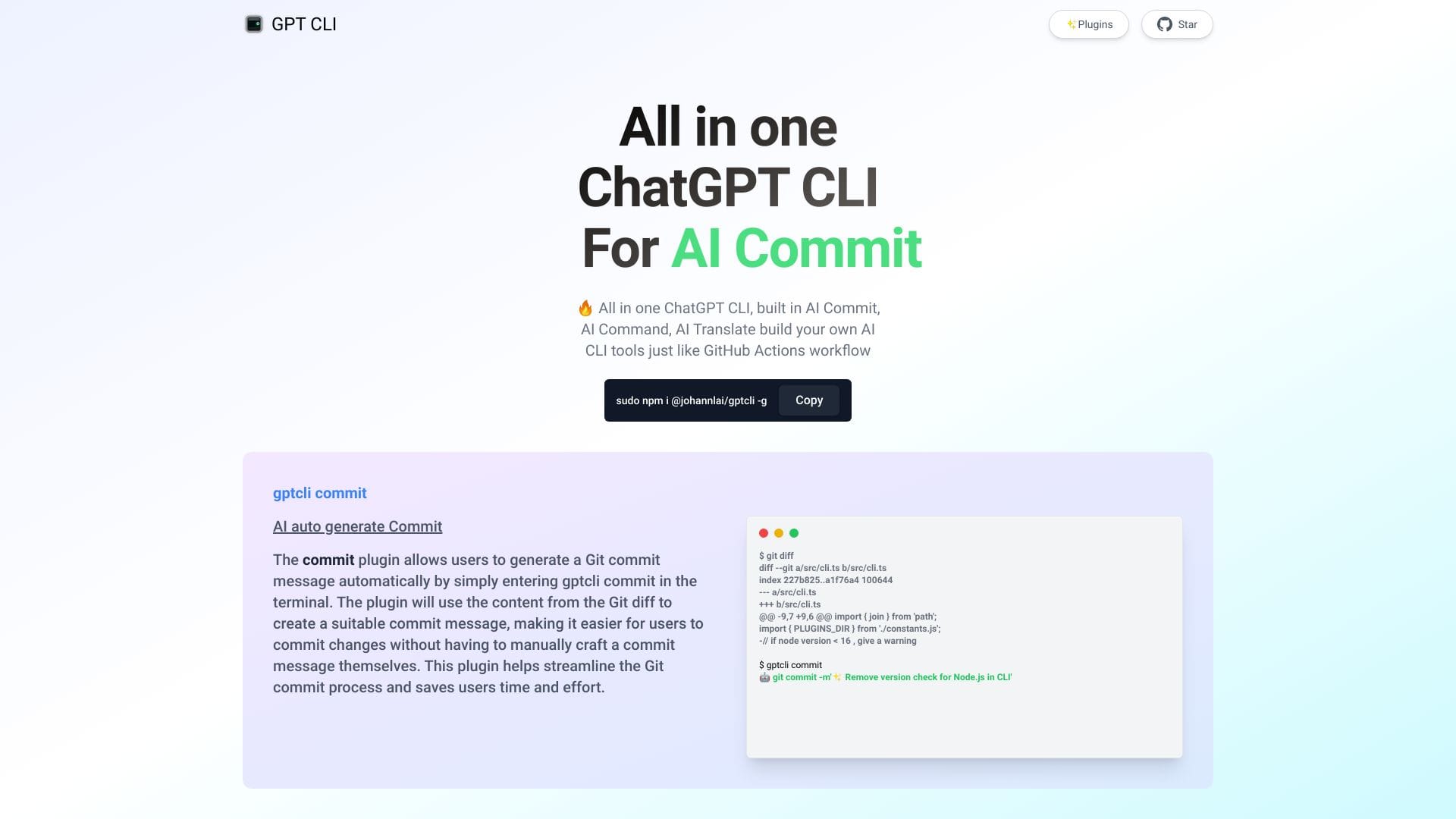
GPT CLI is a command-line interface tool designed for users who need.

GPT CLI is a command-line interface tool designed for users who need to automate tasks involving text generation and analysis. It utilizes AI to understand and produce human-like text, making it useful for a variety of applications. GPT CLI is for developers, writers, and researchers looking to leverage AI in their workflows.
It works by taking input from the user, either through direct commands or by reading from files, and then processes this input using its AI models to generate or analyze text accordingly. This can be used for creating content, summarizing documents, or even assisting in coding by generating boilerplate code.
The individuals who get the most value from GPT CLI are those who have specific, repetitive tasks that involve text and can be automated. For instance, content writers can use it to generate ideas or outlines, while developers can use it to create documentation or code snippets, thereby saving time and increasing productivity.

Agent Api Assistant
Features
Text Generation
GPT CLI can create text based on a prompt or input it receives, allowing for automated content creation.
Text Analysis
It can analyze text to summarize content, extract key points, or understand the sentiment of the text.
Customization
Users can fine-tune the AI model for specific tasks or domains, improving the relevance and accuracy of the output.
Integration
GPT CLI can be integrated into existing workflows and scripts, making it a versatile tool for automation.
Verdict
Best forTeams doing Agent work who need consistent output without a steep learning curve.
Skip ifYou only need this once or twice; the subscription cost won't pay off for occasional use.
Highly customizable, allowing users to tailor the AI model to their specific needs.
Can automate repetitive tasks involving text, saving time and increasing productivity.
Operates locally, providing users with control over their data and ensuring privacy.
Requires technical knowledge to fully utilize its capabilities, especially for customization and integration.
The quality of the generated text can vary based on the input and the specific task, sometimes requiring manual editing.
Alternatives
ToolPricingUpvotesRating
Archimyst Freemium ▲ 178 4.0
EVERYTHING Studios Freemium ▲ 159 4.0
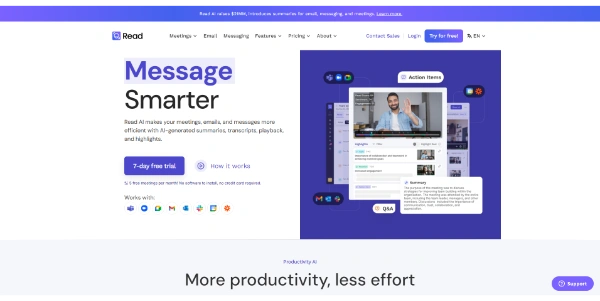
Read AI Freemium ▲ 112 3.7
Frequently Asked Questions
GPT CLI is used for automating tasks involving text generation and analysis, utilizing AI to understand and produce human-like text. This can include content creation, text summarization, and assisting in coding tasks.
GPT CLI requires technical knowledge, especially for customization and integration into workflows. While it can be very powerful, it may not be the best fit for users looking for a simple, graphical interface.
Yes, GPT CLI can be customized for specific tasks or domains. Users can fine-tune the AI model to improve the relevance and accuracy of the output, making it highly versatile for various applications.
Since GPT CLI operates locally on the user's machine, it provides a high level of privacy. Users have full control over their data, and it is not sent to external servers unless explicitly configured to do so.
Alternatives to GPT CLI include other AI-powered text generation and analysis tools, some of which offer graphical interfaces or are specialized for specific tasks like content creation or coding assistance. The choice of tool depends on the user's specific needs and technical preferences.
Reviews
📝
No reviews yet
Be the first to share your experience with GPT CLI.
Submit a Review

Your email address will not be published. Required fields are marked *

GPT CLI
GPT CLI
Freemium
Visit Site ↗
Home Prompts