📂 Code Assistant 👁 1.8k views 🕐 June 24, 2026

debugcode.ai

Debugcode

Debugcode.ai is a code assistant designed for software developers and programming teams looking to streamline their coding and debugging processes. It is particularly useful for those who spend a significant amount of time identifying and fixing errors in their code. By automating the debugging process, developers can focus on more complex and creative aspects of software development. Debugcode.ai works by analyzing code snippets, identifying potential errors, and suggesting fixes based on its algorithms and database of common coding issues. This not only reduces the time spent on debugging but also helps in improving the overall quality of the code. The tool is especially valuable for junior developers who are still learning to identify and fix common coding mistakes, as well as for experienced developers working on complex projects where manual debugging can be extremely time-consuming.

Code Assistant Code Generator Code Review
Features
Code Analysis
Debugcode.ai can analyze code in various programming languages to identify potential errors and vulnerabilities.
Error Identification
It can pinpoint the exact lines of code where errors occur, making it easier for developers to understand and address the issues.
Fix Suggestions
The tool provides suggestions for fixing the identified errors, which can be applied directly to the code.
Code Optimization
Beyond error fixing, Debugcode.ai can also suggest improvements to the code for better performance and readability.
Verdict
Best forTeams doing Code Assistant work who need consistent output without a steep learning curve.
Skip ifYou only need this once or twice; the subscription cost won't pay off for occasional use.
Saves Time: By automating the debugging process, developers can save a significant amount of time that would otherwise be spent manually identifying and fixing errors.
Improves Code Quality: The tool helps in improving the overall quality of the code by suggesting best practices and identifying potential vulnerabilities.
Enhances Learning: For junior developers, Debugcode.ai can serve as a learning tool, helping them understand common coding mistakes and how to fix them.
Language Limitations: The effectiveness of Debugcode.ai might be limited by the programming languages it supports, potentially leaving developers of less common languages without assistance.
Dependency on Algorithms: The quality of the fixes suggested by Debugcode.ai depends on its algorithms and database, which might not always cover every possible scenario or edge case.
Alternatives
ToolPricingUpvotesRating
Archimyst Freemium ▲ 178 4.0
finlight.me Freemium ▲ 58 4.8
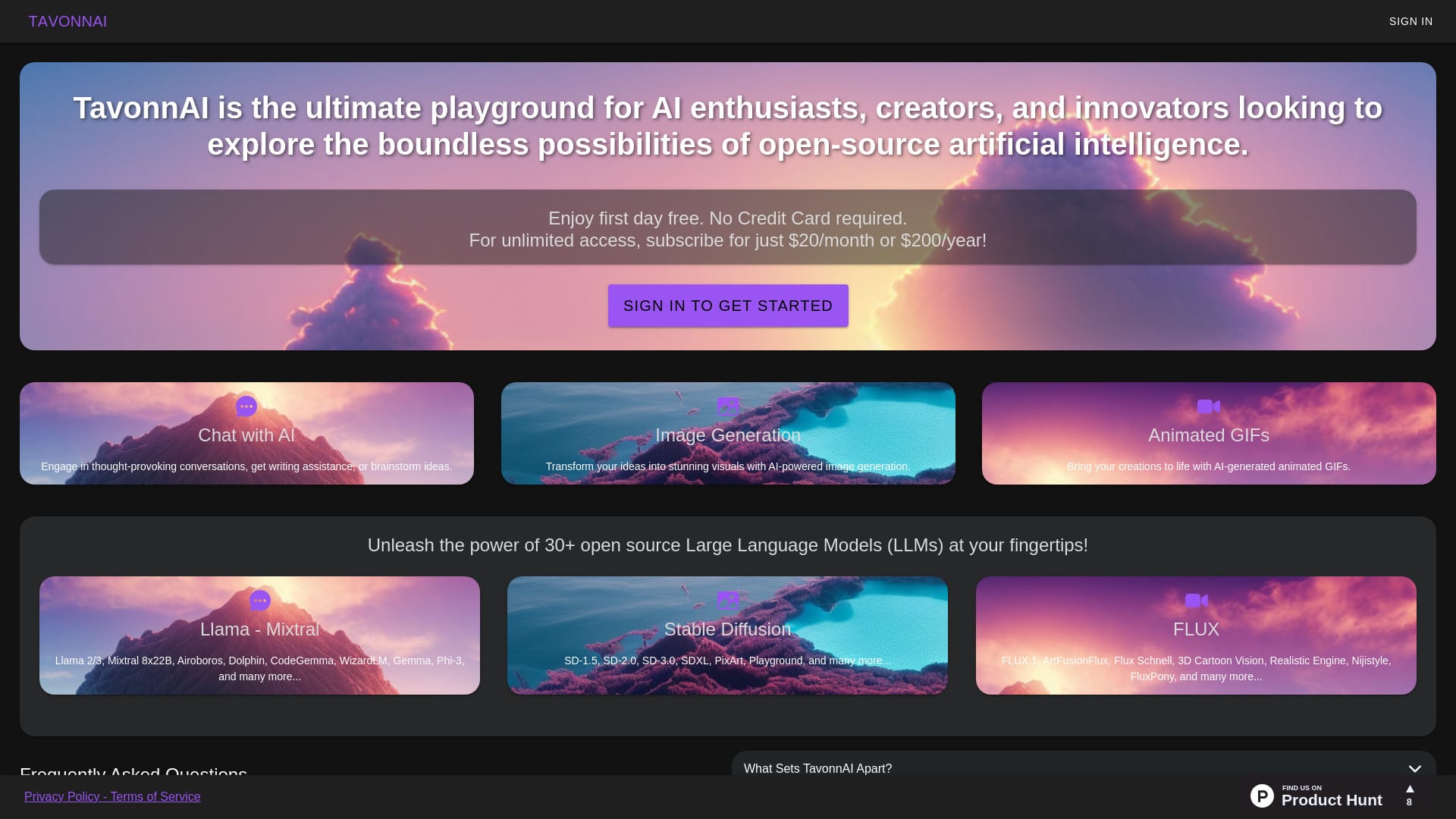
TavonnAI Freemium ▲ 247 4.9
Frequently Asked Questions
Debugcode.ai is used for analyzing code, identifying errors, and suggesting fixes to improve code quality and developer productivity. It supports various programming languages and can be integrated into different development environments.
Whether Debugcode.ai is worth it depends on your specific needs and workflow. If you spend a lot of time debugging and could benefit from automated error identification and fix suggestions, then it could be a valuable tool for you.
Alternatives to Debugcode.ai include other code assistant tools and debugging software that offer similar features such as code analysis, error identification, and fix suggestions. The choice between these alternatives would depend on factors like supported languages, integration capabilities, and pricing models.
Debugcode.ai improves coding efficiency by automating the process of identifying and fixing errors, allowing developers to focus on writing new code and advancing their projects rather than getting bogged down in debugging.
Information about a free tier or trial period for Debugcode.ai is not available, as the pricing details were not provided.
Reviews
📝
No reviews yet
Be the first to share your experience with debugcode.ai.
Submit a Review

Your email address will not be published. Required fields are marked *

debugcode.ai
debugcode.ai
Freemium
Visit Site ↗
Home Prompts