📂 Art Generator 👁 1.1k views 🕐 June 17, 2026

Line Art Maker

Line Art Maker is a digital tool designed for artists, designers, and.

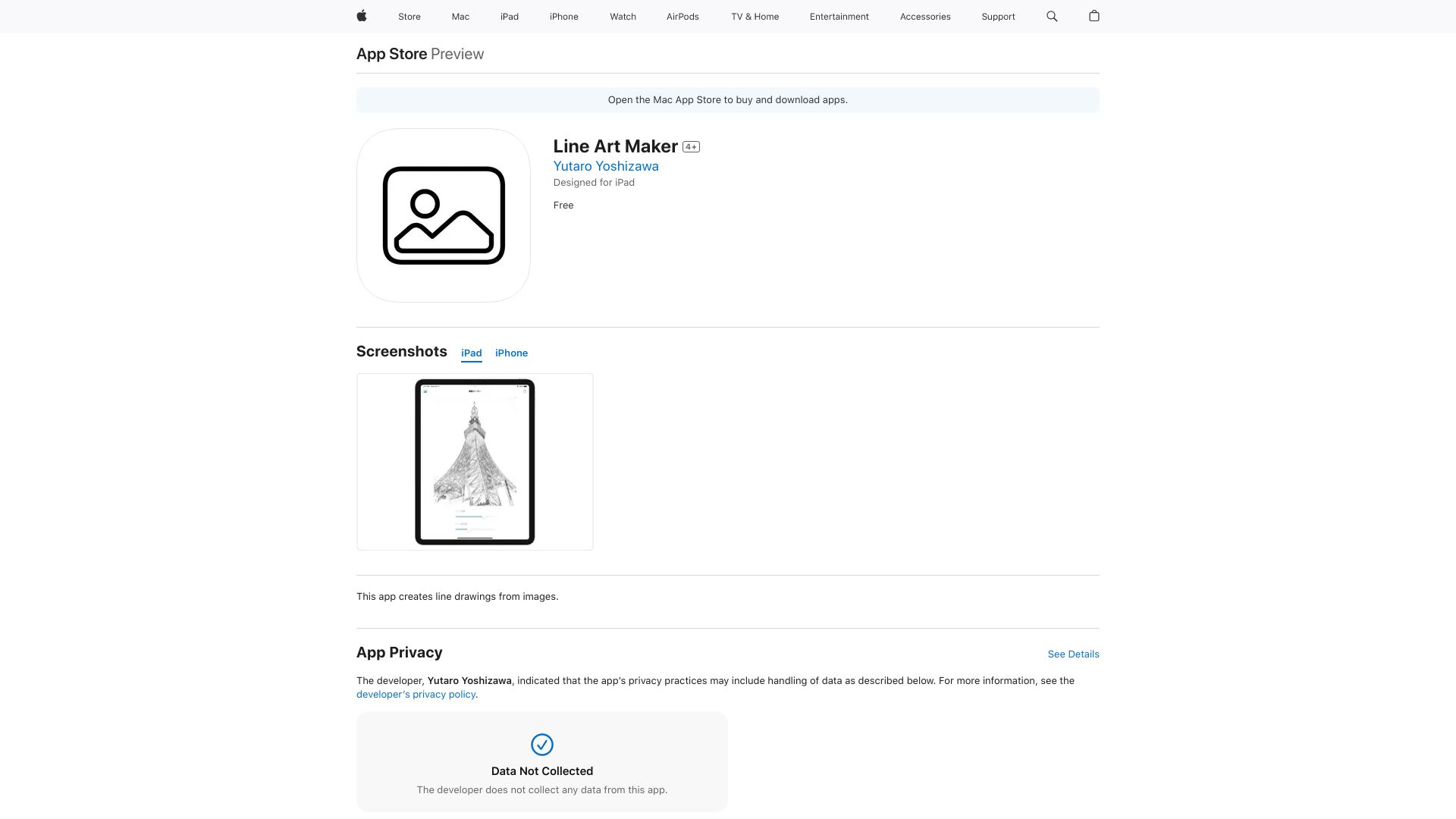
Line Art Maker is a digital tool designed for artists, designers, and crafty individuals who want to create custom line art from their favorite images. It's for those who need a simple, user-friendly way to convert images into line art without requiring extensive drawing skills. Whether you're looking to create unique gifts, decorate your space, or simply express your creativity, Line Art Maker can help.
Line Art Maker works by using advanced algorithms to trace the outlines and features of an uploaded image, converting it into a line art style that can be customized and refined. This process allows users to achieve professional-looking results without the need for manual drawing or extensive photo editing experience. The tool offers various customization options, enabling users to adjust line thickness, color, and style to match their desired aesthetic.
Professionals and hobbyists alike can benefit from using Line Art Maker, especially those in graphic design, illustration, and crafts. It's particularly useful for creating vector graphics, logos, and icons, as well as for transforming personal photos into custom line art pieces. The ease of use and the ability to produce high-quality line art make it an invaluable resource for anyone looking to explore their creative side or enhance their professional portfolio.

Art Generator Drawing Graphic Design
Features
Image Upload
Allows users to upload their images for conversion into line art.
Customization Options
Enables users to adjust line thickness, color, and style to personalize their line art.
Advanced Algorithms
Uses sophisticated tracing algorithms to accurately capture image details.
Refinement Tools
Provides options to refine and edit the line art for more precise results.
Verdict
Best forTeams doing Art Generator work who need consistent output without a steep learning curve.
Skip ifYou only need this once or twice; the subscription cost won't pay off for occasional use.
Easy to use, even for those without extensive drawing experience.
Offers a range of customization options to fit different design needs.
Can produce high-quality line art from a variety of image sources.
May not perform well with very complex or detailed images.
Limited control over certain aspects of the line art generation process.
Alternatives
ToolPricingUpvotesRating
Archimyst Freemium ▲ 178 4.0
finlight.me Freemium ▲ 58 4.8
TavonnAI Freemium ▲ 247 4.9
Frequently Asked Questions
Line Art Maker is a tool that converts images into line art using advanced algorithms. It allows users to upload an image, customize the line art, and then export it in various formats. This process makes it easy for anyone to create professional-looking line art without needing to draw manually.
Yes, Line Art Maker can be used by professionals, especially in graphic design and illustration, due to its ability to produce high-quality line art. It's useful for creating logos, icons, and vector graphics.
Yes, Line Art Maker offers customization options such as adjusting line thickness, color, and style, allowing users to personalize their line art to fit their specific needs.
The specific export options may vary, but typically, line art can be exported in formats like SVG, PNG, and JPEG, making it versatile for different applications and uses.
Line Art Maker stands out for its ease of use and the quality of the line art it produces. However, the best tool for you will depend on your specific needs, such as the level of customization required, the complexity of the images you're working with, and your budget.
Reviews
📝
No reviews yet
Be the first to share your experience with Line Art Maker.
Submit a Review

Your email address will not be published. Required fields are marked *

Line Art Maker
Line Art Maker
Freemium
Visit Site ↗
Home Prompts